Liquid AI LFM3 Explained: Small Multimodal Models for Local AI Agents
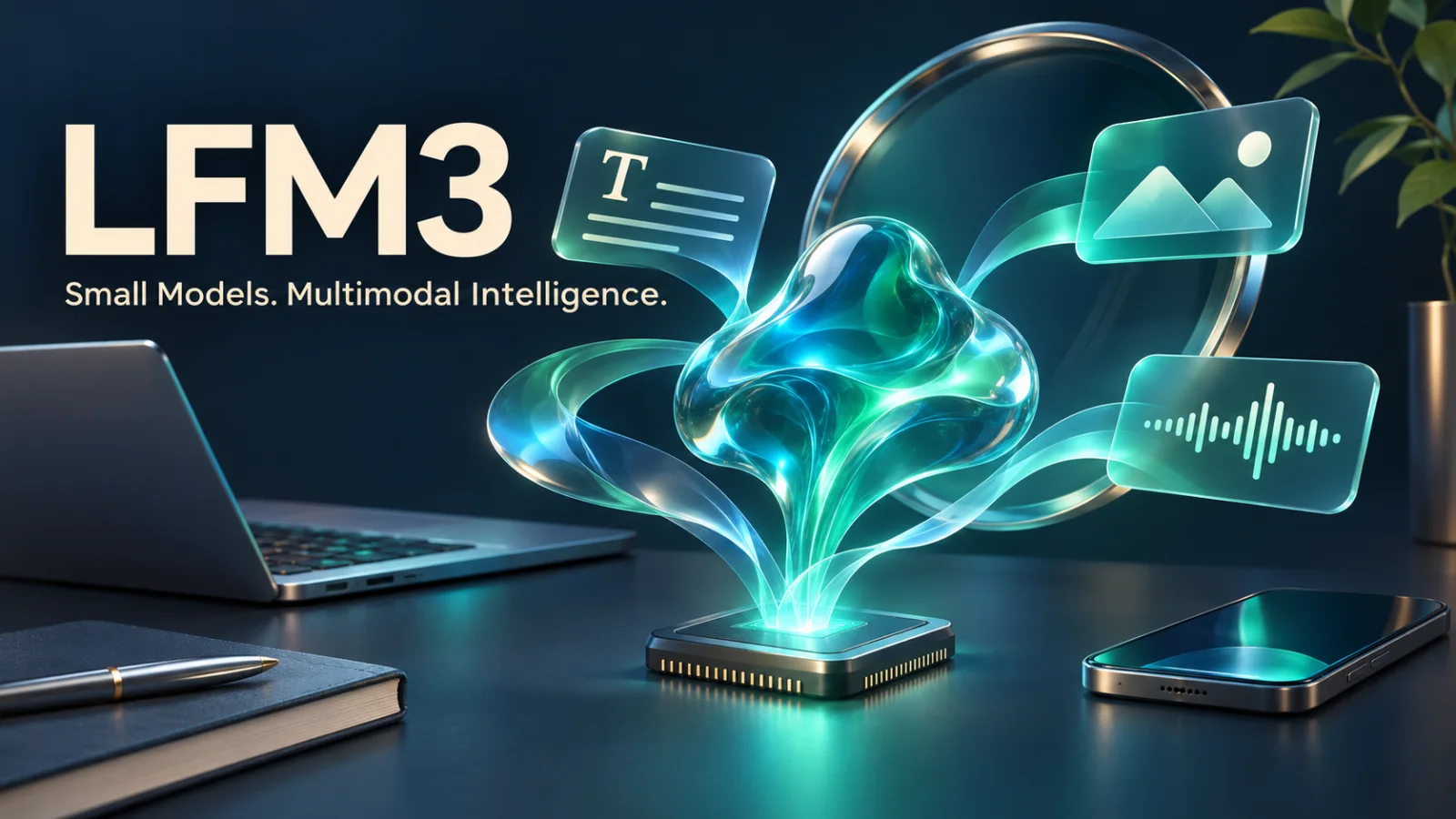
A practical guide to Liquid AI’s LFM3 family: text, vision, audio, Omni, and decision models, with verified specifications, realistic memory requirements, local deployment examples, and application design advice.
Liquid AI released LFM3 on October 27, 2026: a compact family covering text, vision, audio, Omni, and decisions. Its focus is specialized intelligence and efficient deployment. [1]
The interesting question is what that approach changes in a real product. Can it classify incoming requests, understand a screenshot, process speech, or help an assistant use tools without requiring a large cloud model for every step?
This guide separates the published specifications from deployment assumptions, explains the model lineup, and shows how to evaluate LFM3 for a practical application.
Specifications checked against Liquid AI’s official announcement, model cards, and documentation on November 18, 2026. Deployment examples below are illustrative; Gauab has not independently benchmarked these models.
What is LFM3?
LFM3 stands for the third generation of Liquid Foundation Models. Its shared foundation is LFM3-1.7B-Base, a pretrained text checkpoint with approximately 1.73 billion parameters. Liquid AI reports 22 trillion pretraining tokens, including a final 3.5 trillion-token mid-training phase that adds curated data and extends context to 256K. [2]
A shared backbone does not make every checkpoint interchangeable. A speech assistant needs audio components; an image assistant needs a vision encoder; a classifier may need structured decisions rather than generated prose. Those additions change total size, supported inputs, context limits, and runtime requirements.
For most application teams, the post-trained checkpoint matching the task is the starting point. The Base model is intended for substantial customization and training rather than ordinary chat. [2]
The LFM3 family at a glance
The launch includes six post-trained models alongside the shared Base checkpoint. The following limits come from the individual model cards. [2–8]
| Model | Parameters | Inputs and outputs | Published context |
|---|---|---|---|
| LFM3-1.7B-Base | 1.73B | Pretrained text foundation for further training | 256K |
| LFM3-1.7B | 1.73B | Text generation, instructions, and tool calls | 256K |
| LFM3-VL-2B | 1.92B | Text, images, and video in; text out | 128K |
| LFM3-Audio-2B | About 2B | Text or audio in; text and/or speech out | 32K |
| LFM3-Omni-2B | 2.17B | Text, images, video, and audio in; text and/or speech out | 32K |
| d1-2B | 1.92B | Text and visual inputs; typed decisions with probabilities | 128K |
| d1-Omni-2B | 2.17B | Adds audio inputs and spoken questions to typed decisions | 128K |
For the generative models, the context budget includes input and output tokens. A maximum context length describes supported capacity; it does not establish equal accuracy at every position or on every task.
The product names also round parameter counts. “2B” identifies a size class rather than an identical two-billion-parameter architecture across every model.
How the tri-hybrid architecture works
The shared 24-layer backbone contains 13 gated short-convolution layers, five sliding-window attention layers, and six global-attention layers. Its vocabulary contains 128,000 tokens. [1]
A useful way to understand this mixture is to think about how much information a task needs at each step:
- Short convolutions handle nearby sequence patterns.
- Sliding-window attention works over a local neighborhood.
- Global attention connects information across a broader context.
Combining these operations gives the model several ways to process sequences. The practical engineering question is whether that combination delivers useful accuracy and latency for your workload.
Liquid AI’s architecture description also includes head-wise gating, partial rotary position embeddings, and input/output normalization around blocks. The sliding attention window is 256 tokens. [1]
These details explain design choices; they do not replace measurement. Prompt processing, response generation, memory consumption, and sustained performance still depend on the selected runtime and device.
Which model should you choose?
Text: LFM3-1.7B
The post-trained text model targets local agents, structured outputs, and tool use. Its model card includes Arabic among 16 supported text languages, and recommends retrieval or search for knowledge-heavy questions. It explicitly discourages agentic coding and complex multi-step reasoning as primary uses. [3]
A good first experiment is a bounded assistant: classify a request, retrieve a policy, and prepare a short answer. Define success before connecting it to real actions.
Vision: LFM3-VL-2B
The vision model combines the 1.73B language backbone with a 164M vision encoder and a 25M projector. Its documented tasks include documents, charts, app screens, video questions, object localization, and spatial reasoning. The card also warns against treating it as a general coding or complex-conversation model. [4]
For an invoice feature, evaluate each required field separately. A convincing description of a page does not prove that an amount, currency, or invoice number was extracted correctly. Preserve the source image so a reviewer can check questionable results.
Audio: LFM3-Audio-2B
The Audio model supports transcription, synthesis, translation, audio understanding, and spoken tool requests. The published speech-language coverage includes Arabic, Turkish, German, and Spanish. Its card describes multilingual speech across 18 languages, but currently lists the voice-chat feature as English only. [5]
That distinction matters when planning an Arabic product. Test the exact mode you need: transcription accuracy, pronunciation, turn-taking, and spoken tool calls are different capabilities. Include dialect speech, background noise, names, and mixed Arabic-English phrases in your evaluation.
Omni: LFM3-Omni-2B
Omni combines visual, audio, and language inputs in one model, including questions that depend on both a video and its soundtrack. It can answer in text or speech. Its card labels it a non-reasoning model and states that enabling thinking is unsupported. [6]
Consider it when the relationship between modalities matters. For example, a user might point a camera at an interface and ask aloud which control to use. A text-only workflow may be simpler when the image and audio do not add necessary information.
Decisions: d1-2B and d1-Omni-2B
The d1 models produce typed answers from one forward pass rather than an autoregressive chat response. Supported outputs include choices, scores, extracted fields, estimates, and object boxes with associated probabilities. d1-2B is designed for routing, extraction, judging, and visual decisions. [7]
d1-Omni adds audio-dependent decisions. It does not produce transcripts or speech. Its card warns that long spoken passages lose accuracy, especially outside Latin-script languages, and recommends d1-2B when audio is unnecessary. [8]
This makes the distinction concrete: use an Audio checkpoint to obtain a transcript, and evaluate a decision checkpoint when the required result is a category or structured judgment.
Does LFM3 really run in about 1 GB?
Liquid AI’s approximately 1 GB claim applies to the text model at 4-bit precision. It should not be read as a fixed total-memory requirement for every LFM3 application. The launch announcement separately reports 1.6 GB of KV cache for a full 128K text context in its stated configuration. [1]
The raw-weight arithmetic helps explain why. A 1.73B-parameter model needs approximately:
- 0.865 GB for four bits per parameter.
- 3.46 GB for two bytes per parameter, as in BF16.
These are decimal-byte calculations for parameters alone. Quantization metadata, caches, temporary tensors, the inference engine, and application processes add overhead.
For capacity planning, account for model weights, context caches, working buffers, and the rest of the application. Image resolution, video frames, audio duration, concurrency, and precision can all change the result.
Avoid publishing a single BF16 VRAM figure as a universal requirement. Measure peak memory with the exact checkpoint, runtime, and representative input lengths. A model fitting into memory and a model responding quickly enough are separate acceptance tests.
Running the text model locally
The official text-model card lists BF16, GGUF, MLX, ONNX, and other deployment variants. Select a format that your chosen runtime explicitly supports. A compatible text runtime does not automatically provide Audio or Omni support. [3]
For a first Python experiment, install PyTorch, Transformers, and Accelerate in an isolated environment, following the current model card’s dependency instructions.
The example below adapts the documented Transformers approach. It is an illustrative starting point, not a performance-tested deployment recipe. [3,9]
from transformers import pipeline

assistant = pipeline(
    task="text-generation",
    model="LiquidAI/LFM3-1.7B",
    device_map="auto",
    trust_remote_code=True,
)

conversation = [
    {
        "role": "user",
        "content": (
            "Classify this request as billing, technical, or sales. "
            "Reply with one category only: "
            "I paid twice for the same subscription."
        ),
    }
]

result = assistant(
    conversation,
    max_new_tokens=96,
    do_sample=True,
    temperature=0.1,
    top_k=50,
    repetition_penalty=1.1,
)

print(result[0]["generated_text"][-1]["content"])
The sampling values follow the text model’s general-use guidance. Automatic device placement depends on available hardware; it does not guarantee GPU execution. The Transformers documentation explains device placement and precision choices. [3,9]
Because trust_remote_code=True loads repository-provided Python, review that code and pin a reviewed model revision before building a repeatable production deployment. Record package versions and the selected checkpoint revision alongside evaluation results.
Do not treat a short demonstration as evidence of reliable classification. Build a labeled test set and compare the model output to expected categories.
Integrating LFM3 into a web application
A useful design for a Laravel or Next.js product is to keep inference behind a small internal service. The application handles identity, tenant permissions, validation, and business rules. The inference service handles model loading and prediction.
For a support assistant, a proposed workflow could be:
- Receive the customer’s message and identify its tenant.
- Retrieve only documents the current user may access.
- Ask the selected model for a bounded result.
- Validate the result against a schema or allowed category list.
- Prepare a reply or route the request.
- Record the outcome and allow an operator to correct it.
This is application design guidance, not a capability guaranteed by LFM3.
Tool calling also needs an execution layer. Pass tool definitions to the inference layer, validate proposed calls, and return execution results to the assistant.
For example, lookup_order can check authorization before returning an order. A proposed cancel_order operation can recheck order state and require the product’s normal confirmation. The model should never determine authorization merely because it generated plausible arguments.
If the system is multi-tenant, apply tenant filters in application code and data access rules. Evaluate accidental cross-tenant retrieval as an application defect, independently of model quality.
Local inference, privacy, and offline behavior
Running inference on a device can reduce the need to transmit inputs to a remote model. Whether a whole feature works offline depends on its other dependencies.
A local assistant may still need remote search, a hosted database, authentication, or a business API. Define what the user can do when each dependency is unavailable. A local model can draft an answer from cached material; it cannot guarantee that a remote booking or payment has completed.
Map the data path before making a privacy claim. Include logs, crash reporting, analytics, retrieval services, and optional cloud fallback. “Local inference” describes where computation happens, while privacy depends on the complete application.
How to evaluate performance claims
Published benchmarks help identify candidates. Gauab has not independently reproduced Liquid AI’s evaluations. [1]
For a product decision, create a representative test set and measure:
- Task accuracy: Was the category, extracted field, or tool selection correct?
- Failure handling: Did the system identify missing information or request review?
- Latency: How long until the first useful output and the complete result?
- Memory: What is peak usage at typical and worst-case input lengths?
- Sustained operation: Does performance hold after repeated requests?
- Language quality: Do dialects, names, and mixed-language inputs work?
- Operational cost: What do deployment, monitoring, maintenance, and fallback cost?
Compare alternatives using the same inputs and acceptance rules. Include the cost of correcting errors, not only inference time. For extraction, a field-level score is often more useful than an overall “good answer” rating.
Only fine-tune after understanding recurring failures. Keep evaluation examples separate from training data and compare the adapted model against the original checkpoint.
Licensing: open weights with commercial conditions
LFM3 uses the LFM Open License v1.0 rather than the standard Apache 2.0 license. Liquid AI describes broad rights to use, modify, and distribute the models, with commercial-use conditions tied to company revenue. The license defines its revenue threshold as USD 10 million or more, and Liquid AI directs affected businesses to obtain a commercial license. [10]
Keep the license and attribution requirements with redistributed weights or derivatives, and review the current terms before a commercial rollout. Download availability alone does not establish unrestricted commercial use.
Where LFM3 fits best
LFM3 is a promising family to evaluate when the task is well defined, deployment constraints matter, and the application can validate the result.
Start with one measurable feature: request routing, a small document-extraction workflow, a speech transcription task, or a visual assistant for a constrained interface. Select the checkpoint for that job, test it on the target device, and expand only after the results meet your acceptance criteria.
The value of a compact model comes from the complete system it enables: useful accuracy, manageable latency, predictable resource use, and clear recovery when it fails.
Official sources
- Liquid AI: Introducing LFM3
- LFM3-1.7B-Base model card
- LFM3-1.7B text model card
- LFM3-VL-2B model card
- LFM3-Audio-2B model card
- LFM3-Omni-2B model card
- d1-2B model card
- d1-Omni-2B model card
- Liquid AI: Transformers deployment documentation
- LFM Open License
Continue reading on Gauab
Featured Articles
The 10 Largest Frontend Performance Challenges in 2026 (And How to Fix Them)
Should I Use React or Next.js? Complete Comparison Guide 2026
Build an Offline-First SaaS with Laravel & React: Complete PWA Tutorial 2026
Comments
0 commentsNo approved comments are visible yet. New community replies may wait for moderation.