Article
Python Programming Tutorial for Absolute Beginners
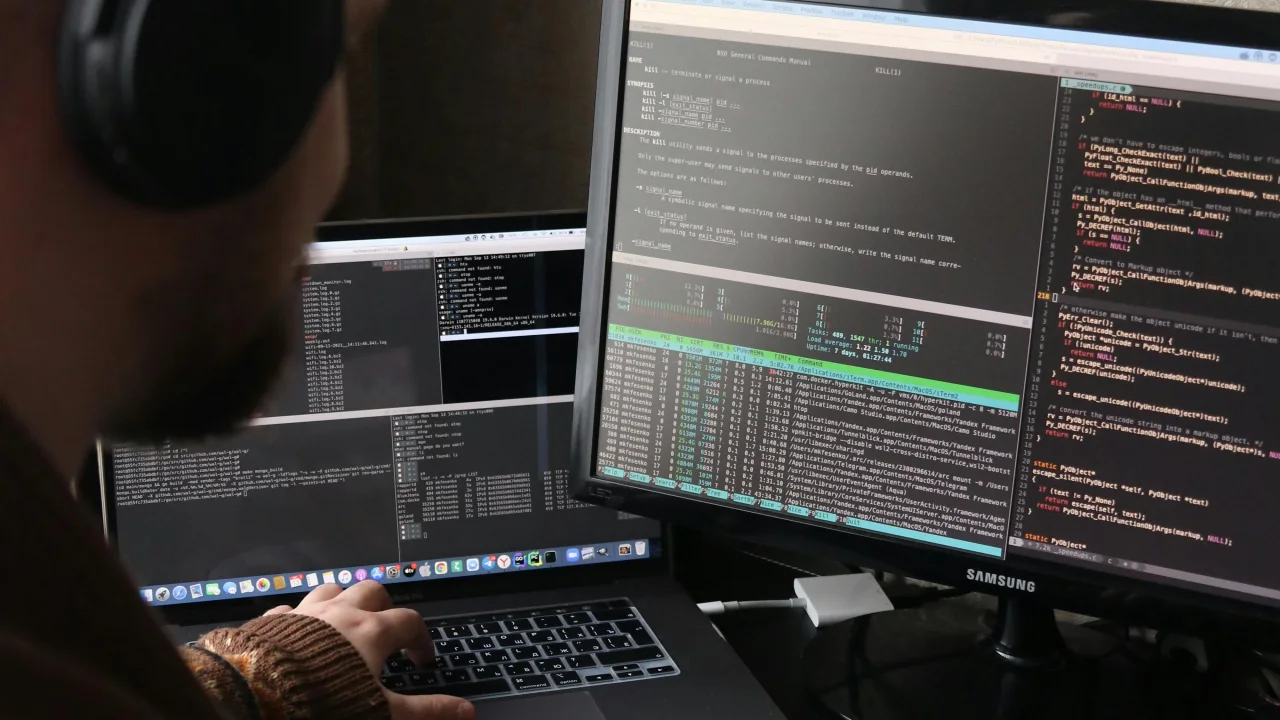
Python is the best language for beginners. It reads like English, handles complexity for you, and is used everywhere — from web development to AI to data science.
2 min readLanguage: EN EnglishFree0 claps0 comments
TechnologyEngineering ArticlesPythonProgrammingWeb DevelopmentTechnologyEngineering ArticlesTutorial
Reading options
Why Python?
Python is the best language for beginners. It reads like English, handles complexity for you, and is used everywhere — from web development to AI to data science.
Lesson 1: Your First Program
Install Python
- Go to python.org
- Download version 3.12+
- Run the installer (check "Add Python to PATH" on Windows)
Hello, World!
Create a file called hello.py:
print("Hello, World!")
Run it:
python hello.py
You just wrote your first program. print() displays text to the screen.
Lesson 2: Variables and Data Types
Variables store data:
# String (text)
name = "Alice"
greeting = 'Hello, World!'

# Integer (whole number)
age = 25
year = 2026

# Float (decimal number)
price = 19.99
pi = 3.14159

# Boolean (True or False)
is_student = True
has_graduated = False

# Print them
print(name)        # Alice
print(age + 5)     # 30
print(type(age))   # <class 'int'>
Naming Rules
- Use letters, numbers, and underscores
- Cannot start with a number
- Case-sensitive (
Name≠name) - Use
snake_casefor variable names
Lesson 3: Working with Text
# Combining strings
first = "John"
last = "Doe"
full = first + " " + last
print(full)  # John Doe

# f-strings (best way)
age = 30
print(f"My name is {full} and I am {age} years old.")
# My name is John Doe and I am 30 years old.

# String methods
text = "  Hello, Python!  "
print(text.lower())          # "  hello, python!  "
print(text.upper())          # "  HELLO, PYTHON!  "
print(text.strip())          # "Hello, Python!"
print(text.replace("o", "0"))  # "  Hell0, Pyth0n!  "
print(len(text))             # 18 (includes spaces)
Lesson 4: Numbers and Math
# Basic operations
print(5 + 3)    # 8
print(10 - 4)   # 6
print(3 * 4)    # 12
print(10 / 3)   # 3.333... (always gives float)
print(10 // 3)  # 3 (integer division, no decimal)
print(10 % 3)   # 1 (remainder / modulo)
print(2 ** 3)   # 8 (exponent: 2³)

# Useful math functions
print(round(3.14159, 2))  # 3.14
print(abs(-5))            # 5
print(max(3, 7, 2))       # 7
print(min(3, 7, 2))       # 2
print(sum([1, 2, 3, 4]))  # 10
Lesson 5: Lists (Collections of Items)
# Creating lists
fruits = ["apple", "banana", "cherry"]
numbers = [1, 2, 3, 4, 5]
mixed = ["hello", 42, True, 3.14]

# Accessing items (index starts at 0)
print(fruits[0])     # "apple"
print(fruits[-1])    # "cherry" (last item)
print(fruits[1:3])   # ["banana", "cherry"] (slicing)

# Modifying lists
fruits.append("orange")  # Add to end
fruits.insert(1, "grape")  # Insert at position
fruits.remove("banana")  # Remove by value
last = fruits.pop()      # Remove and return last item
print(len(fruits))       # How many items

# Looping through a list
for fruit in fruits:
    print(fruit)
Lesson 6: If Statements (Making Decisions)
age = 18

if age >= 18:
    print("You can vote!")
elif age >= 16:
    print("You can drive!")
else:
    print("Too young.")

# Comparison operators
# ==  (equal to)
# !=  (not equal to)
# >   (greater than)
# <   (less than)
# >=  (greater than or equal)
# <=  (less than or equal)

# Logical operators
temperature = 75
is_raining = False

if temperature > 70 and not is_raining:
    print("Perfect day for a walk!")
elif temperature > 70 and is_raining:
    print("Warm but wet. Bring an umbrella.")
Lesson 7: Loops (Doing Things Repeatedly)
For Loop
# Loop through a range of numbers
for i in range(5):          # 0, 1, 2, 3, 4
    print(i)

for i in range(1, 6):      # 1, 2, 3, 4, 5
    print(i)

# Loop through a list
colors = ["red", "green", "blue"]
for color in colors:
    print(f"The color is {color}")
While Loop
count = 0
while count < 5:
    print(f"Count is {count}")
    count += 1  # Increment (same as: count = count + 1)

# Be careful! This loop never ends:
# while True:
#     print("Infinite loop!")
Lesson 8: Functions (Reusable Code)
# Define a function
def greet(name):
    return f"Hello, {name}!"

# Call the function
message = greet("Alice")
print(message)  # Hello, Alice!

# Function with multiple parameters
def calculate_total(price, tax_rate):
    tax = price * tax_rate
    total = price + tax
    return round(total, 2)

print(calculate_total(29.99, 0.08))  # 32.39

# Function with default parameter
def greet_with_title(name, title="Mr."):
    return f"Hello, {title} {name}"

print(greet_with_title("Smith"))        # Hello, Mr. Smith
print(greet_with_title("Jones", "Dr."))  # Hello, Dr. Jones
Lesson 9: Dictionaries (Key-Value Pairs)
# Creating a dictionary
person = {
    "name": "Alice",
    "age": 30,
    "city": "New York",
    "is_student": False
}

# Accessing values
print(person["name"])      # Alice
print(person.get("age"))   # 30 (safer — returns None if missing)

# Modifying
person["age"] = 31
person["job"] = "Engineer"  # Adds new key-value

# Looping through dictionary
for key, value in person.items():
    print(f"{key}: {value}")

# Check if key exists
if "name" in person:
    print("Name exists!")
Lesson 10: Your First Mini-Project
Let us build a To-Do List:
# todo.py — A simple to-do list
tasks = []

def show_menu():
    print("\n=== To-Do List ===")
    print("1. View tasks")
    print("2. Add task")
    print("3. Remove task")
    print("4. Quit")

def view_tasks():
    if not tasks:
        print("No tasks yet!")
    else:
        for i, task in enumerate(tasks, 1):
            print(f"{i}. {task}")

def add_task():
    task = input("Enter task: ")
    tasks.append(task)
    print(f"Added: {task}")

def remove_task():
    view_tasks()
    if tasks:
        try:
            num = int(input("Task number to remove: "))
            if 1 <= num <= len(tasks):
                removed = tasks.pop(num - 1)
                print(f"Removed: {removed}")
            else:
                print("Invalid number!")
        except ValueError:
            print("Please enter a number!")

# Main loop
while True:
    show_menu()
    choice = input("Choose an option: ")

    if choice == "1":
        view_tasks()
    elif choice == "2":
        add_task()
    elif choice == "3":
        remove_task()
    elif choice == "4":
        print("Goodbye!")
        break
    else:
        print("Invalid choice!")
Run it: python todo.py
What to Learn Next
| Topic | Why Learn |
|---|---|
| Classes and OOP | Structure larger programs |
| File I/O | Read/write files |
| Libraries | Use import to add powerful features |
| Error handling | try/except blocks |
| APIs | Connect to web services with requests |
| Web frameworks | Flask or Django for web apps |
| Data science | Pandas, NumPy for data analysis |
Free Resources to Continue
- docs.python.org — Official documentation
- Automate the Boring Stuff with Python (book) — Free online
- Codecademy Python Course — Interactive, free tier
- Exercism Python Track — Practice challenges
Featured Articles

5 minFree
The 10 Largest Frontend Performance Challenges in 2026 (And How to Fix Them)
TechnologyWebWeb Development

13 minFree
Should I Use React or Next.js? Complete Comparison Guide 2026
TechnologyNext.jsReactReact.js

5 minFree
Build an Offline-First SaaS with Laravel & React: Complete PWA Tutorial 2026
TechnologyWebLaravelProgramming
Comments
0 commentsNo approved comments are visible yet. New community replies may wait for moderation.