How to Write a Resume That Passes the AI Screening Guide
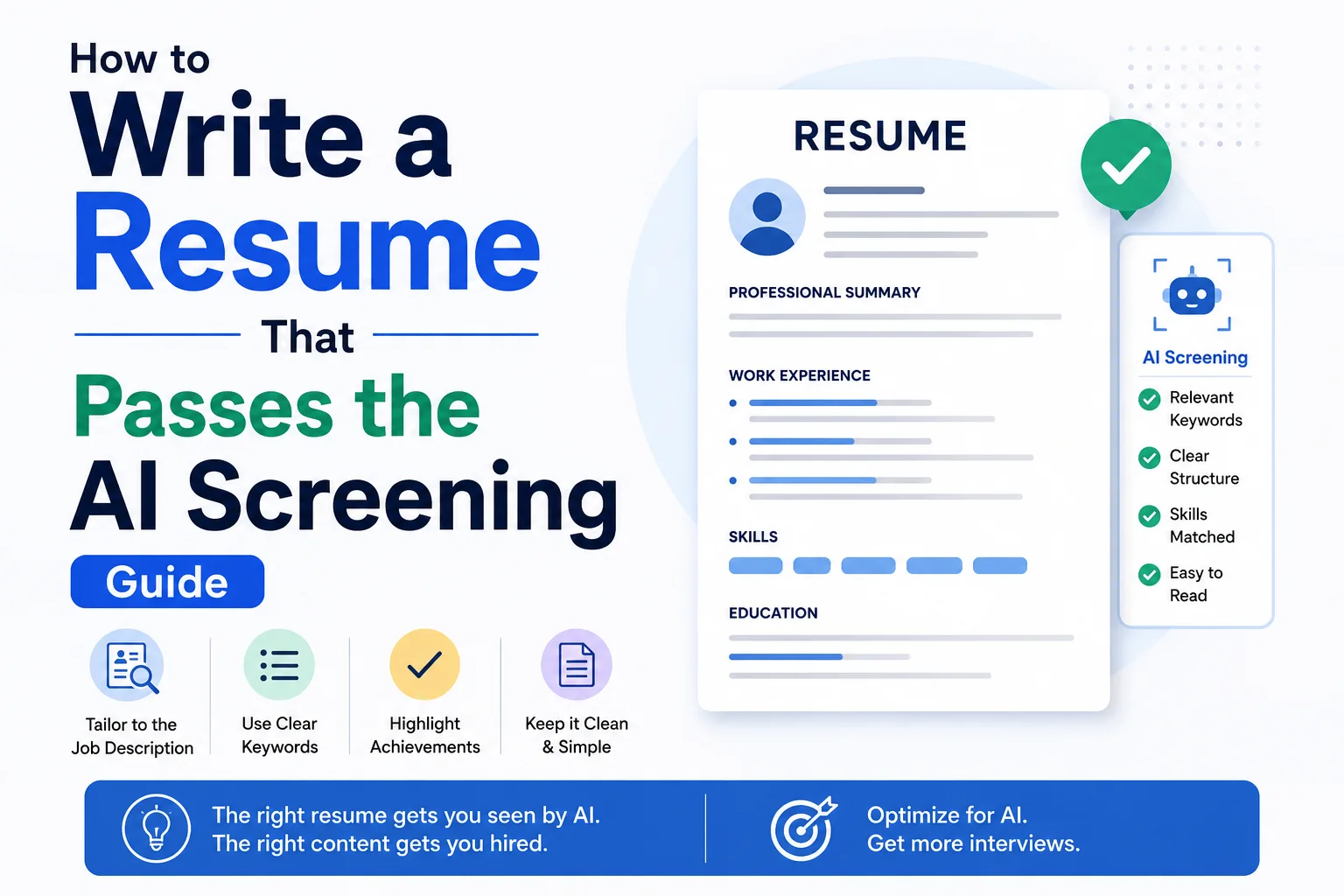
More than 75% of large companies now use Applicant Tracking Systems (ATS) to screen resumes before a human ever sees them. These AI-powered tools parse, rank, and filter resumes based on keywords, formatting, and structure. If your resume isn't optimized for these systems, you could be the most qualified candidate and still never get an interview.
Introduction
More than 75% of large companies now use Applicant Tracking Systems (ATS) to screen resumes before a human ever sees them. These AI-powered tools parse, rank, and filter resumes based on keywords, formatting, and structure. If your resume isn't optimized for these systems, you could be the most qualified candidate and still never get an interview.
This guide walks you through exactly how to write a resume that passes AI screening, gets parsed correctly, and lands in front of a hiring manager.
How ATS and AI Screening Work
ATS software scans resumes by:
- Parsing — Extracting text and organizing it into sections (work experience, education, skills).
- Keyword Matching — Comparing your resume against the job description for relevant terms.
- Ranking — Scoring candidates based on match percentage.
- Filtering — Removing candidates below a threshold (often 60-70%).
Understanding this pipeline is critical. If your resume fails at step 1, it doesn't matter how qualified you are — it will be rejected.
Step 1: Use the Right File Format
| Format | ATS-Friendly? | Notes |
|---|---|---|
| .docx | Yes | Best overall compatibility |
| .pdf (standard) | Risky | Some older ATS cannot parse PDFs |
| .pdf (scanned image) | No | ATS cannot read images |
| .txt | Yes | Lacks formatting — use as last resort |
| .pages (Mac) | No | Not compatible with most ATS |
Rule of thumb: Submit a .docx file unless the job posting explicitly asks for PDF. If submitting a PDF, ensure it was saved as "text-based PDF" (not scanned or image-based).
Step 2: Choose a Simple, Clean Layout
ATS parsers struggle with complex formatting. Follow these layout rules:
- One column layout only. Multi-column layouts cause parsing errors where text is read out of order.
- Standard section headings. Use common headings like "Work Experience," "Education," "Skills," "Summary." Avoid creative headings like "Where I've Been" or "My Toolkit."
- No tables, text boxes, or graphics. These confuse parsers.
- Fonts: Arial, Calibri, or Times New Roman, 10-12pt body, 14-16pt headings.
- Save as single-column. If you use a two-column template in Word, the right column may be read before the left column.
Step 3: Optimize for Keywords
Keyword optimization is the most important factor for AI screening.
How to Find the Right Keywords
- Copy the full job description into a text file.
- Identify recurring terms — especially:
- Hard skills (e.g., "Python," "Project Management," "Data Analysis")
- Industry jargon (e.g., "Agile," "CRM," "SEO")
- Soft skills mentioned repeatedly (e.g., "Leadership," "Cross-functional collaboration")
- Certifications and tools (e.g., "PMP," "Salesforce," "Tableau")
- Use a free word cloud generator or keyword extractor to find frequency.
Where to Place Keywords
- Professional Summary — 2-3 sentences with key terms.
- Skills Section — A bulleted list with 10-15 relevant skills.
- Work Experience Bullets — Naturally integrate keywords into achievement descriptions.
- Certifications & Education — List relevant coursework and certs.
Example (before):
Managed a team of sales associates and helped increase revenue.
Example (after — keyword optimized):
Led a cross-functional sales team of 12 associates, implementing a CRM-driven pipeline strategy that increased quarterly revenue by 28%.
Step 4: Structure Your Work Experience for Parsing
ATS expects a specific format for work history:
[Job Title] | [Company Name] | [Location]
[Start Date] – [End Date]
- Achievement bullet 1
- Achievement bullet 2
Critical rules:
- List dates as MM/YYYY or Month YYYY. Avoid relative dates like "Present" — use "05/2024 – Present."
- Include company name, city, and state for each role.
- Do not embed job titles and dates inside graphics or tables.
- Each role should have 3-6 bullet points.
Step 5: Quantify Achievements with Numbers
ATS and human reviewers both favor measurable results. Use numbers to demonstrate impact:
- Revenue: "Generated $450K in new pipeline within 6 months."
- Efficiency: "Reduced processing time by 35% through workflow automation."
- Scale: "Managed a portfolio of 50+ enterprise accounts."
- Team: "Supervised a remote team of 8 engineers across 3 time zones."
- Traffic: "Increased organic search traffic by 150% year-over-year."
Step 6: Tailor Each Resume to the Job
Do not send the same resume to every employer. Use this workflow:
- Read the job description carefully.
- Identify 8-10 key requirements.
- Map those requirements to your experience.
- Reorder bullet points so the most relevant achievements appear first.
- Adjust your professional summary to mirror the role's language.
This takes 15-20 minutes per application and can increase your interview rate by 40% or more.
Step 7: Avoid Common ATS-Killers
| Mistake | Why It Fails |
|---|---|
| Headers/footers with contact info | Many ATS ignore header/footer regions |
| Abbreviations without spelling out | ATS may not match "SEO" if the description says "Search Engine Optimization" |
| Special characters in names | Use standard letters; avoid symbols or emojis in contact info |
| Missing contact section | Always include phone, email, LinkedIn, and location at the top |
| Images or logos | ATS cannot read image content |
| Creative fonts or colored text | Parsers work best with black text on white background |
Step 8: Test Your Resume Before Submitting
Before sending your resume, run it through these checks:
- Copy and paste your resume into a plain text editor (like Notepad). If the text appears jumbled or out of order, ATS will read it the same way.
- Use a free ATS scanner like Jobscan or ResumeWorded to get a match score.
- Check for keyword density — your resume should naturally include the top 15-20 terms from the job description.
- Send a PDF to yourself and try selecting text. If you can select all text cleanly, it's ATS-friendly.
Sample ATS-Optimized Resume
JANE DOE
jane.doe@email.com | (555) 123-4567 | San Francisco, CA | linkedin.com/in/janedoe

PROFESSIONAL SUMMARY
Results-driven Digital Marketing Manager with 7+ years of experience in SEO, content marketing, and paid acquisition. Proven track record of increasing organic traffic by 150% and reducing CPA by 30%. Skilled in Google Analytics, SEMrush, and HubSpot.

WORK EXPERIENCE

Senior Digital Marketing Manager | TechCorp Inc. | San Francisco, CA
01/2021 – Present
- Led SEO strategy that increased organic traffic from 50K to 125K monthly visits (150% increase)
- Managed $2M annual paid advertising budget across Google Ads and LinkedIn
- Reduced cost per acquisition by 30% through A/B testing and audience segmentation
- Built and mentored a team of 5 marketing specialists
- Implemented HubSpot CRM integration, improving lead tracking accuracy by 40%

Digital Marketing Specialist | GrowthLab | Oakland, CA
06/2018 – 12/2020
- Developed content marketing strategy resulting in 200+ published articles and 80K monthly readers
- Managed email marketing campaigns with 22% average open rate and 4.5% CTR
- Executed A/B tests on landing pages, improving conversion rate from 2.1% to 3.4%

SKILLS
SEO | SEM | Google Analytics | Google Ads | HubSpot | Salesforce | Content Strategy | A/B Testing | Data Analysis | Project Management | Agile | Tableau

EDUCATION
Bachelor of Science in Marketing | University of California, Berkeley | 2014 – 2018
- Coursework: Digital Marketing, Data Analytics, Consumer Behavior

CERTIFICATIONS
- Google Analytics Individual Qualification (GAIQ)
- HubSpot Inbound Marketing Certification
- PMP Certified (Project Management Professional)
Final Checklist
Before you hit submit, verify:
- File is .docx (or text-based PDF if required)
- Single-column layout
- Standard section headings
- No tables, images, or text boxes
- Contact info at top (not in header/footer)
- Keywords from job description are present
- Quantified achievements in work history
- No spelling or grammar errors
- Plain text test passes (copy/paste into Notepad)
Conclusion
AI screening is not something to fear — it's a system you can optimize for. By following this guide, you ensure your resume is not only readable by machines but also compelling to humans. Remember: the goal is to pass the AI gatekeeper so your qualifications can speak for themselves in the interview.
Invest the time upfront to tailor each resume, use clean formatting, and weave in the right keywords. Your next interview could be just one optimized resume away.
Featured Articles

The 10 Largest Frontend Performance Challenges in 2026 (And How to Fix Them)

Should I Use React or Next.js? Complete Comparison Guide 2026

Build an Offline-First SaaS with Laravel & React: Complete PWA Tutorial 2026
Comments
0 commentsNo approved comments are visible yet. New community replies may wait for moderation.