Best Coding Software for Mac in 2026
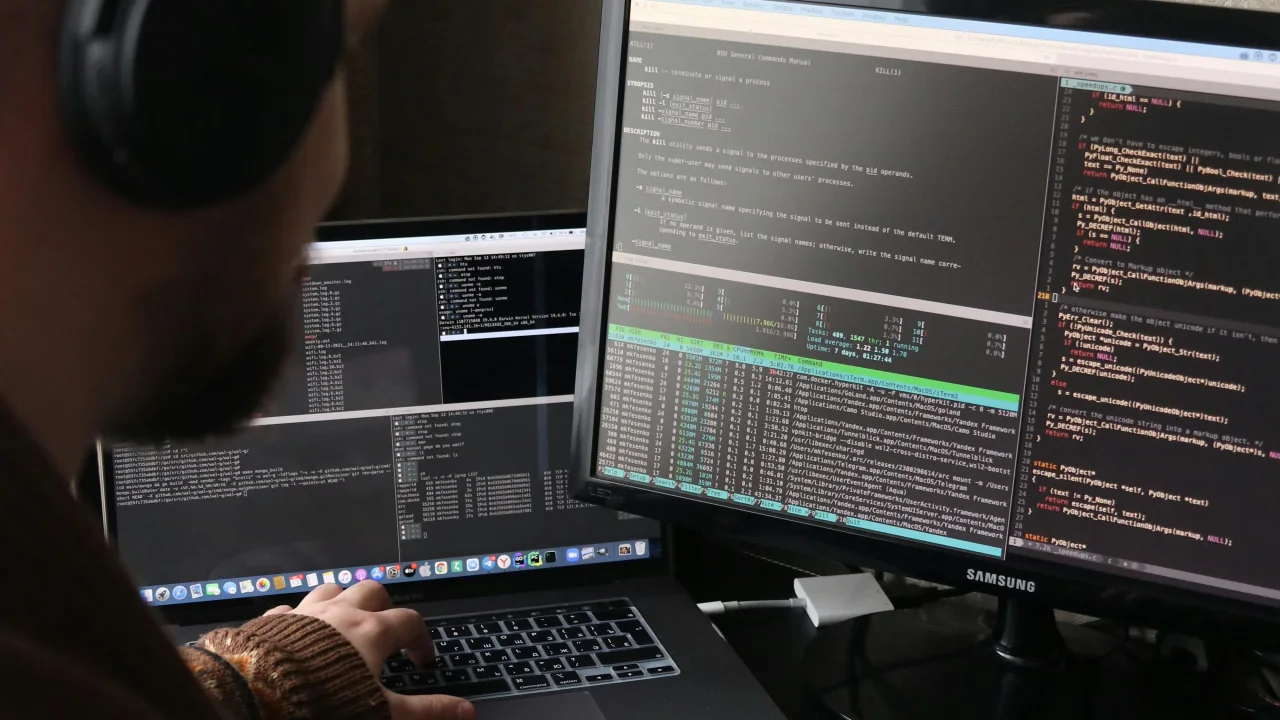
Still the king of code editors. Extensions, Git integration, and IntelliSense make it the default choice for web development, Python, and most languages.
1. VS Code (Free)
Still the king of code editors. Extensions, Git integration, and IntelliSense make it the default choice for web development, Python, and most languages.
Best for: Web dev, Python, JavaScript, TypeScript
Price: Free
Key features: Extensions marketplace, built-in terminal, GitHub Copilot integration, Live Share
2. Cursor ($20/mo)
AI-native editor forked from VS Code. Inline editing, chat with your codebase, and agent mode make it the fastest way to write code.
Best for: AI-assisted development, all languages
Price: $20/month
Key features: Composer, Ctrl+K inline edits, codebase chat, Claude/GPT-4 integration
3. Xcode (Free)
Essential if you build iOS, macOS, watchOS, or visionOS apps. SwiftUI previews are excellent on Mac.
Best for: Apple ecosystem development
Price: Free
Key features: Interface Builder, SwiftUI previews, Instruments for profiling, TestFlight
4. JetBrains IntelliJ IDEA ($249/yr)
The gold standard for Java and Kotlin. Smart refactoring, deep code analysis, and excellent debugging.
Best for: Java, Kotlin, Android (Android Studio is its cousin)
Price: $249/year (Community Edition: free)
Key features: Refactoring engine, code completion, built-in database tools
5. Zed (Free/$10/mo)
Rust-based editor designed for speed and collaboration. Launches in under 300ms.
Best for: Developers who want speed, pair programming
Price: Free / $10/month for teams
Key features: Lightning fast, channel-based collaboration, GPU-accelerated rendering
6. Sublime Text ($99)
Blazing fast even with huge files. The benchmark for raw editing speed.
Best for: Quick edits, large files, markdown
Price: $99 (free evaluation)
Key features: Goto Anything, multi-caret editing, command palette
7. Neovim (Free)
Terminal-based editor with a steep learning curve but unmatched speed once configured.
Best for: Terminal lovers, server-side editing, keyboard-centric workflows
Price: Free
Key features: Modal editing, Lua config, plugin ecosystem, tmux integration
Quick Comparison
| Editor | Speed | AI Features | Learning Curve | Price |
|---|---|---|---|---|
| VS Code | Fast | Copilot | Easy | Free |
| Cursor | Fast | Deep AI | Easy | $20/mo |
| Xcode | Medium | Swift Assist | Medium | Free |
| IntelliJ | Medium | Code With Me | Medium | $249/yr |
| Zed | Very Fast | Channel Chat | Easy | Free |
| Sublime | Very Fast | None | Easy | $99 |
| Neovim | Very Fast | Copilot plugin | Hard | Free |
Recommendation
- General web dev: VS Code (can't beat free + extensions)
- AI-first workflow: Cursor (the productivity boost is real)
- Mobile app dev: Xcode (no alternative for Apple platforms)
- Java/Kotlin: IntelliJ (the refactoring alone is worth it)
- Speed/performance: Zed or Sublime Text
- Terminal power user: Neovim
Featured Articles

The 10 Largest Frontend Performance Challenges in 2026 (And How to Fix Them)

Should I Use React or Next.js? Complete Comparison Guide 2026

Build an Offline-First SaaS with Laravel & React: Complete PWA Tutorial 2026
Comments
0 commentsNo approved comments are visible yet. New community replies may wait for moderation.