Artificial Intelligence in Software Development
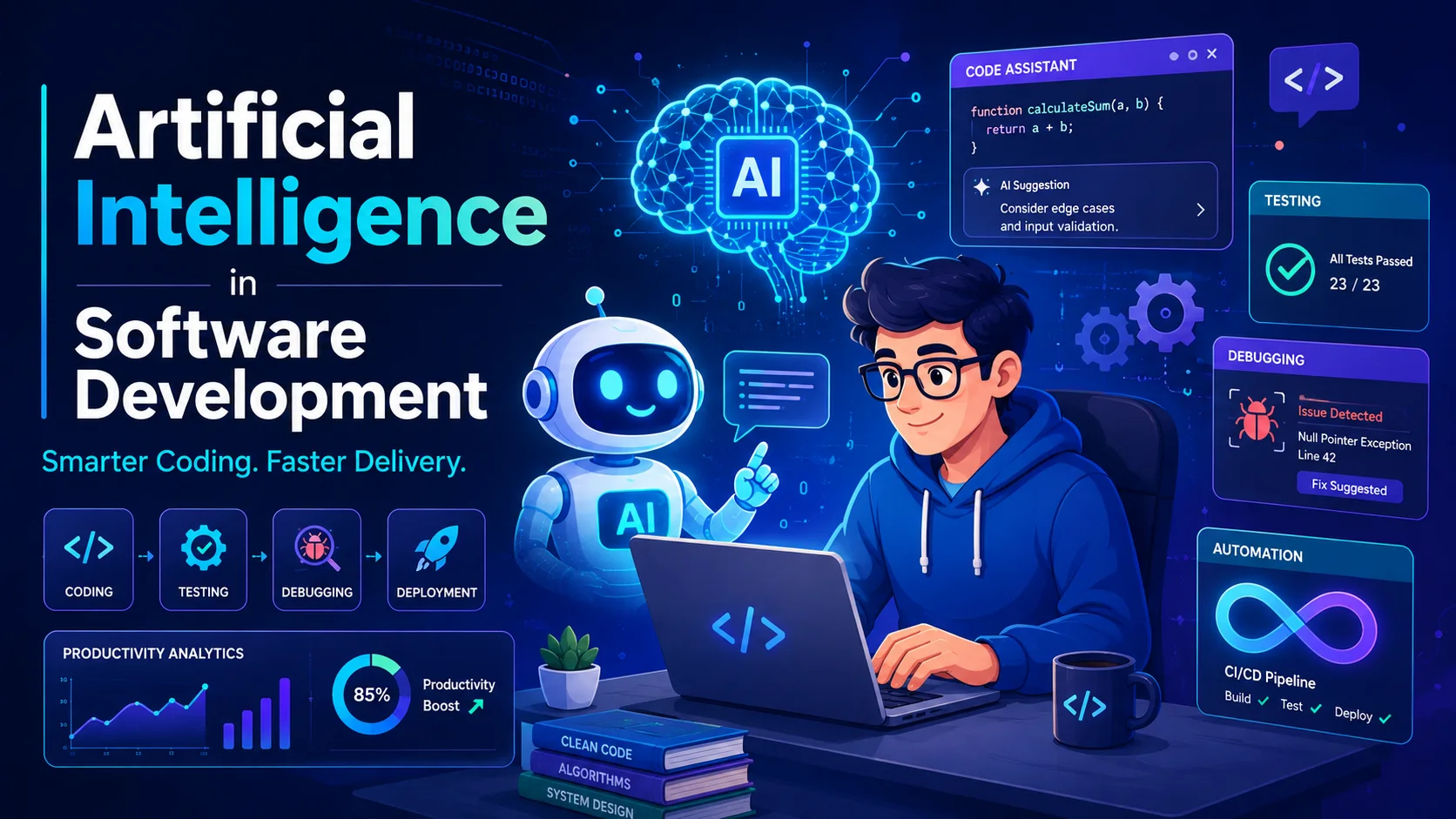
Artificial intelligence has moved from experimental tooling to a core component of the modern software development workflow. In 2026, AI-assisted development is not a competitive advantage — it is table stakes. This article explores how AI is transforming every phase of the software development lifecycle, the tools driving this change, and the challenges developers must navigate.
Introduction
Artificial intelligence has moved from experimental tooling to a core component of the modern software development workflow. In 2026, AI-assisted development is not a competitive advantage — it is table stakes. This article explores how AI is transforming every phase of the software development lifecycle, the tools driving this change, and the challenges developers must navigate.
1. AI-Assisted Code Generation
How It Works
Large language models (LLMs) trained on billions of lines of public code learn patterns, idioms, and APIs. When a developer starts typing, the model predicts the most likely continuation:
// Developer writes:
function calculateDiscount(price: number, tier: CustomerTier): number {
  // AI suggests the body:
  const discounts = {
    [CustomerTier.Basic]: 0,
    [CustomerTier.Premium]: 0.1,
    [CustomerTier.Enterprise]: 0.25,
  };
  return price * (1 - (discounts[tier] || 0));
}
Leading Tools
| Tool | Model | Key Features | Pricing |
|---|---|---|---|
| GitHub Copilot | OpenAI Codex / GPT-4 | IDE integration, chat, PR summaries | $10-39/month |
| Cursor | Claude / GPT-4 | AI-native editor, inline editing, composer | $20/month |
| Amazon Q (CodeWhisperer) | AWS-specific models | AWS SDK expertise, security scanning | Free |
| Codeium | Proprietary models | Multi-language, chat, search | Free / $15/month |
| Tabnine | Custom enterprise models | On-premises deployment, IP indemnity | $12-39/month |
| Continue | Multiple LLMs | Open-source, local models, customizable | Free |
Productivity Impact
| Study | Metric | Improvement |
|---|---|---|
| GitHub (2023) | Task completion time | 55% faster |
| Microsoft Research | Time spent on repetitive tasks | 75% reduction |
| Accenture | Developer productivity (survey) | 35% increase |
| GitLab | Code review cycle time | 25% reduction |
Best Practices
- Treat suggestions as drafts — AI generates plausible code, not necessarily correct code.
- Write good prompts — Be specific about context, constraints, and intended behavior.
- Use AI for boilerplate — CRUD handlers, serializers, configuration files.
- Review security — AI may suggest vulnerable patterns (hardcoded keys, SQL injection).
2. Automated Code Review
AI-powered code review catches issues that human reviewers miss and does it faster.
What AI Reviews Catch
| Category | Examples |
|---|---|
| Security | SQL injection, XSS, hardcoded secrets, insecure deserialization |
| Bugs | Null pointer dereferences, race conditions, off-by-one errors |
| Code quality | Dead code, overly complex functions, naming violations |
| Performance | Unnecessary allocations, N+1 queries, memory leaks |
| Style | Formatting violations, inconsistent patterns |
Tools in Practice
GitHub Code Review (Copilot):
Review of pull/123:
- ⚠️ Security: Raw SQL concatenation in line 47 — use parameterized queries
- ⚠️ Performance: N+1 query in UserService.getOrders() — add include('orders')
- ℹ️ Style: Method 'getUserDataAndOrders' violates Single Responsibility
SonarQube with AI:
// Before — AI flagged this security issue
app.get('/user', (req, res) => {
  const query = `SELECT * FROM users WHERE id = ${req.query.id}`; // SQL Injection!
});

// After — AI-suggested fix
app.get('/user', (req, res) => {
  const query = 'SELECT * FROM users WHERE id = ?';
  db.execute(query, [req.query.id]);
});
3. Intelligent Testing
AI transforms testing from a manual bottleneck to an automated, continuous process.
Test Generation
AI generates test cases from code analysis, reducing manual effort by 80%+:
// AI-generated test from function signature
describe('calculateDiscount', () => {
  test('returns full price for Basic tier', () => {
    expect(calculateDiscount(100, CustomerTier.Basic)).toBe(100);
  });

  test('applies 10% discount for Premium', () => {
    expect(calculateDiscount(100, CustomerTier.Premium)).toBe(90);
  });

  test('applies 25% discount for Enterprise', () => {
    expect(calculateDiscount(100, CustomerTier.Enterprise)).toBe(75);
  });

  test('returns full price for unknown tier', () => {
    expect(calculateDiscount(100, 'Unknown')).toBe(100);
  });

  test('handles zero price', () => {
    expect(calculateDiscount(0, CustomerTier.Premium)).toBe(0);
  });
});
Self-Healing Tests
When UI elements change (e.g., CSS selector changes), traditional tests break. AI-driven test tools detect the change and automatically update the selector:
// Original test — breaks when button text changes
await page.click('text="Submit Order"');

// AI self-heals based on surrounding context
await page.click('button[type="submit"]');
Self-healing tools: Testim, Mabl, Functionize, Applitools.
Visual Regression Testing
AI compares screenshots pixel-by-pixel, intelligently ignoring expected differences (anti-aliasing, font rendering) while flagging real regressions:
# Percy visual testing
npx percy snapshot snapshots/
# AI analyzes: "3 visual differences found — 2 expected, 1 real regression"
4. Bug Prediction and Root Cause Analysis
Predictive Bug Detection
Machine learning models analyze:
- Code complexity — Cyclomatic complexity, nesting depth, coupling.
- Change history — Files changed frequently are bug-prone.
- Developer patterns — Known error-prone patterns across the codebase.
- Dependency graphs — High-risk dependency changes.
# Example output from a bug prediction tool
File: src/payment/processor.ts
Risk score: 87/100 (High)
Risk factors:
  - High cyclomatic complexity (12)
  - 3 bugs in last 6 months
  - Recent dependency upgrade (stripe-sdk v14.0.0)
Suggested action: Review and add integration tests
Root Cause Analysis
When incidents occur, AI tools analyze logs, traces, and metrics to identify the root cause:
Incident: Payment API latency spike (15:32 UTC)
AI Analysis:
  └─ Trigger: Deployment of payment-service@v2.4.1 at 15:30 (2 min before)
     └─ Change: Connection pool size reduced from 100 to 20
        └─ Effect: Queue depth increased to 500+ pending requests
           └─ Result: P95 latency increased from 50ms to 3200ms
5. Natural Language Interfaces
Text-to-SQL
Query databases using natural language:
User: "Show me total revenue by month for the last quarter"

AI generates:
SELECT DATE_TRUNC('month', created_at) AS month,
       SUM(amount) AS total_revenue
FROM orders
WHERE status = 'completed'
  AND created_at >= DATE_TRUNC('quarter', CURRENT_DATE) - INTERVAL '3 months'
GROUP BY 1
ORDER BY 1;
Code Explanation
AI can explain complex code in plain language:
def memoize(func):
    cache = {}
    @functools.wraps(func)
    def wrapper(*args, **kwargs):
        key = str(args) + str(kwargs)
        if key not in cache:
            cache[key] = func(*args, **kwargs)
        return cache[key]
    return wrapper

# AI explanation:
# This decorator caches function return values based on input arguments.
# When the function is called with the same arguments again,
# the cached result is returned instead of re-executing the function.
6. Documentation Generation
AI generates documentation from code context:
API Documentation
// AI generates OpenAPI spec from TypeScript types
interface CreateUserRequest {
  /** User's email address (must be unique) */
  email: string;
  /** Display name shown in the UI */
  name: string;
  /** Optional profile picture URL */
  avatarUrl?: string;
}

// Generated OpenAPI:
// /api/users:
//   post:
//     summary: Create a new user
//     requestBody:
//       required: true
//       content:
//         application/json:
//           schema:
//             $ref: '#/components/schemas/CreateUserRequest'
README Generation
# AI generates README from codebase analysis
$ ai-readme-generator
Generated README.md:
  - Project name and description
  - Setup instructions (detected package.json, requirements.txt)
  - Architecture overview (detected folder structure)
  - API documentation (extracted from routes)
  - Testing instructions (detected test runner)
Challenges and Considerations
Code Quality and Correctness
AI-generated code may:
- Contain subtle logic errors (off-by-one, incorrect edge cases).
- Use deprecated APIs or outdated patterns.
- Introduce security vulnerabilities (prompt injection, hardcoded secrets).
- Hallucinate library names, function signatures, or configuration options.
Mitigation: Mandatory code review. AI-generated code must pass the same quality gates as human-written code.
Security
| Risk | Example | Mitigation |
|---|---|---|
| Training data exposure | AI suggests code containing leaked credentials | Use enterprise tier (code not used for training) |
| Malicious package suggestions | AI recommends "npm install cloudflare-analytics" — a typosquatted malicious package | Verify package names and publishers |
| Vulnerable code patterns | AI generates eval(user_input) or raw SQL concatenation |
Static analysis + security review |
Intellectual Property
- AI models are trained on public code, which may include copyrighted material.
- Generated code may reproduce copyrighted code verbatim, creating legal risk.
- Some vendors offer IP indemnification (Copilot, Tabnine Enterprise).
- Legal landscape is evolving — treat AI output as a starting point, not a final product.
Over-Reliance
- Junior developers may accept AI suggestions without understanding them.
- Critical thinking and fundamentals remain essential.
- "AI pair programmer" should not become "AI replacement programmer."
The Future of AI-Assisted Development
Near-Term (2026-2028)
- Voice-to-code — Describe features verbally, AI implements them.
- Autonomous debugging — AI fixes bugs and creates PRs automatically.
- Architecture agents — AI proposes system designs from requirements.
- Multi-agent collaboration — Specialized AI agents handle different concerns (frontend, backend, infrastructure).
Long-Term
- AI handles 80%+ of routine coding tasks.
- Developers focus on architecture, product strategy, and user experience.
- Natural language becomes a primary programming interface.
- The role evolves from "programmer" to "AI orchestrator."
Conclusion
AI is transforming software development at every stage — from writing code and tests to reviewing, debugging, and documenting. The most effective developers will be those who:
- Master AI tools — Learn prompt engineering, tool integration, and when to use which AI assistant.
- Maintain strong fundamentals — AI augments expertise but does not replace it.
- Review critically — AI output must be verified, tested, and secured.
- Stay current — The AI tooling landscape changes rapidly.
AI is not coming for your job — but a developer who uses AI effectively will outperform one who does not.
Featured Articles

The 10 Largest Frontend Performance Challenges in 2026 (And How to Fix Them)

Should I Use React or Next.js? Complete Comparison Guide 2026

Build an Offline-First SaaS with Laravel & React: Complete PWA Tutorial 2026
Comments
0 commentsNo approved comments are visible yet. New community replies may wait for moderation.