10 Hidden iPhone Features You Are Not Using
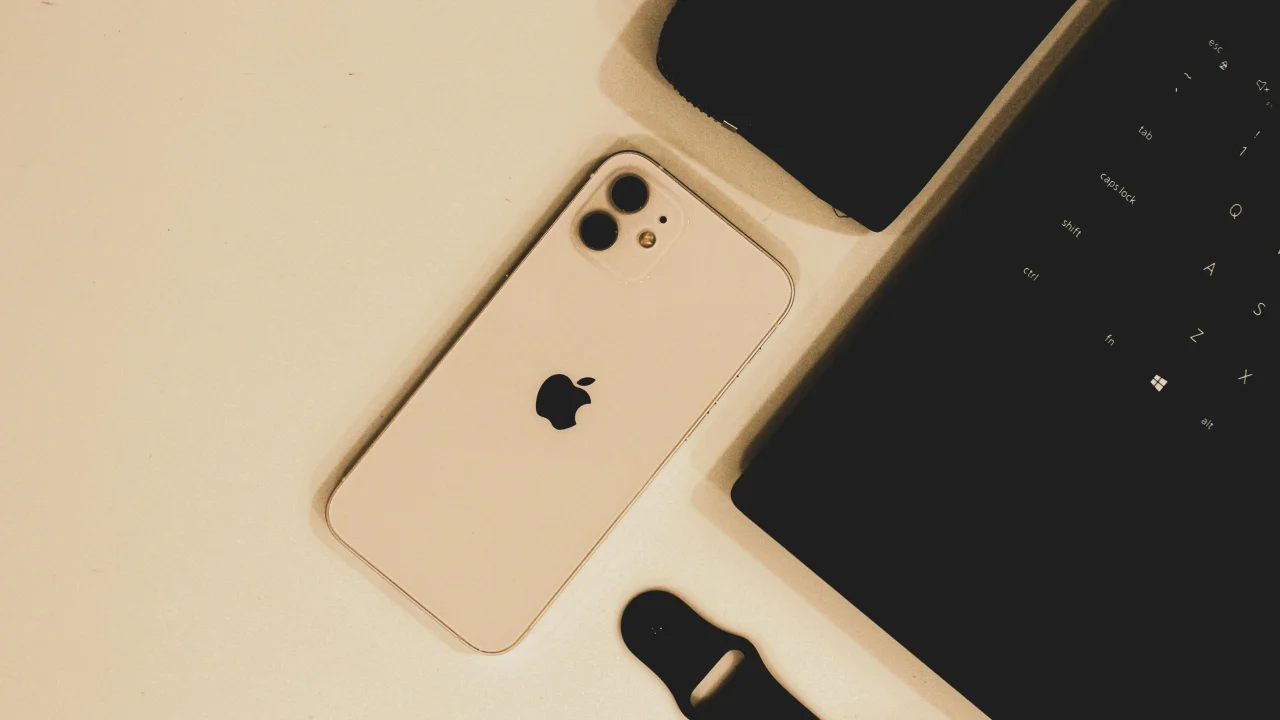
Go to Settings → Accessibility → Touch → Back Tap. You can assign actions to double or triple tapping the back of your iPhone.
1. Back Tap
Go to Settings → Accessibility → Touch → Back Tap. You can assign actions to double or triple tapping the back of your iPhone.
Useful assignments:
- Double tap: Screenshot
- Triple tap: Open Control Center
- Or: Flashlight, Shazam, any shortcut
2. Text Replacement Shortcuts
Settings → General → Keyboard → Text Replacement.
Create shortcuts for phrases you type repeatedly:
@@→ your.email@gmail.comaddy→ your full home addressomw→ "On my way! I will be there in 10 minutes."#sig→ your full email signature
3. Shake to Undo
Shake your iPhone to undo the last action — typing, deletion, formatting changes. Works in Mail, Notes, Messages, and most text fields.
4. Hidden Trackpad
Press and hold anywhere on the keyboard (or 3D Touch / Haptic Touch the space bar) to turn the keyboard into a trackpad. Drag your finger to precisely position the cursor.
5. Scan Documents with Notes
Open Notes → tap the camera icon → Scan Documents. It automatically detects document edges, corrects perspective, and reduces shadows. Better than most dedicated scanning apps.
6. Custom Control Center
Settings → Control Center → Customize. Add useful controls:
- Voice Memos — Start recording instantly
- Shazam — Identify songs without opening the app
- Magnifier — Use your camera as a magnifying glass
- Apple TV Remote — Lose your remote? Use your phone
- Dark Mode toggle — Quick on/off
Remove ones you never use.
7. Hide Photos from View
- Select a photo
- Tap the three-dot menu (···)
- Hide — moves it to a Hidden album
- To truly hide: Go to Settings → Photos and turn OFF "Show Hidden Album"
8. Measure Things with Measure App
The built-in Measure app uses AR to measure objects. Point your camera at an object, tap start and end points. It also includes a Level tool for hanging pictures.
9. Medical ID for Emergencies
The Health app → Medical ID lets first responders see critical information from your Lock Screen:
- Medical conditions and allergies
- Blood type
- Emergency contacts
- Organ donor status
Set it up, then enable "Show When Locked."
10. Offline Maps
iOS 17+ supports offline maps. Before traveling:
- Open Maps
- Search for the area you are visiting
- Tap the download button
- Select the area size
Now you have navigation without cellular data.
Bonus: Emergency SOS
Press and hold the power button + volume up simultaneously. Or quickly press the power button 5 times. Your iPhone calls emergency services, shares your location with emergency contacts, and — if opted in — automatically plays an alarm.
Quick Reference Card
| Feature | How to Access | What It Does |
|---|---|---|
| Back Tap | Settings → Accessibility → Touch | Actions on back-of-phone tap |
| Trackpad | Long-press space bar | Precision cursor control |
| Scan Documents | Notes → Camera icon | Auto-document scanning |
| Text Replacement | Settings → Keyboard | Type shortcuts for long phrases |
| Hidden Photo | Select → ... → Hide | Move photo to hidden album |
| Medical ID | Health app → Medical ID | Emergency info on lock screen |
| Offline Maps | Maps → Download area | Navigate without data |
| Measure | Measure app | AR measurement tool |
| Emergency SOS | Hold power + volume | Calls emergency services |
Featured Articles

The 10 Largest Frontend Performance Challenges in 2026 (And How to Fix Them)

Should I Use React or Next.js? Complete Comparison Guide 2026

Build an Offline-First SaaS with Laravel & React: Complete PWA Tutorial 2026
Comments
0 commentsNo approved comments are visible yet. New community replies may wait for moderation.