Frontend System Design Interviews: Turn a Vague Prompt into a Clear Plan
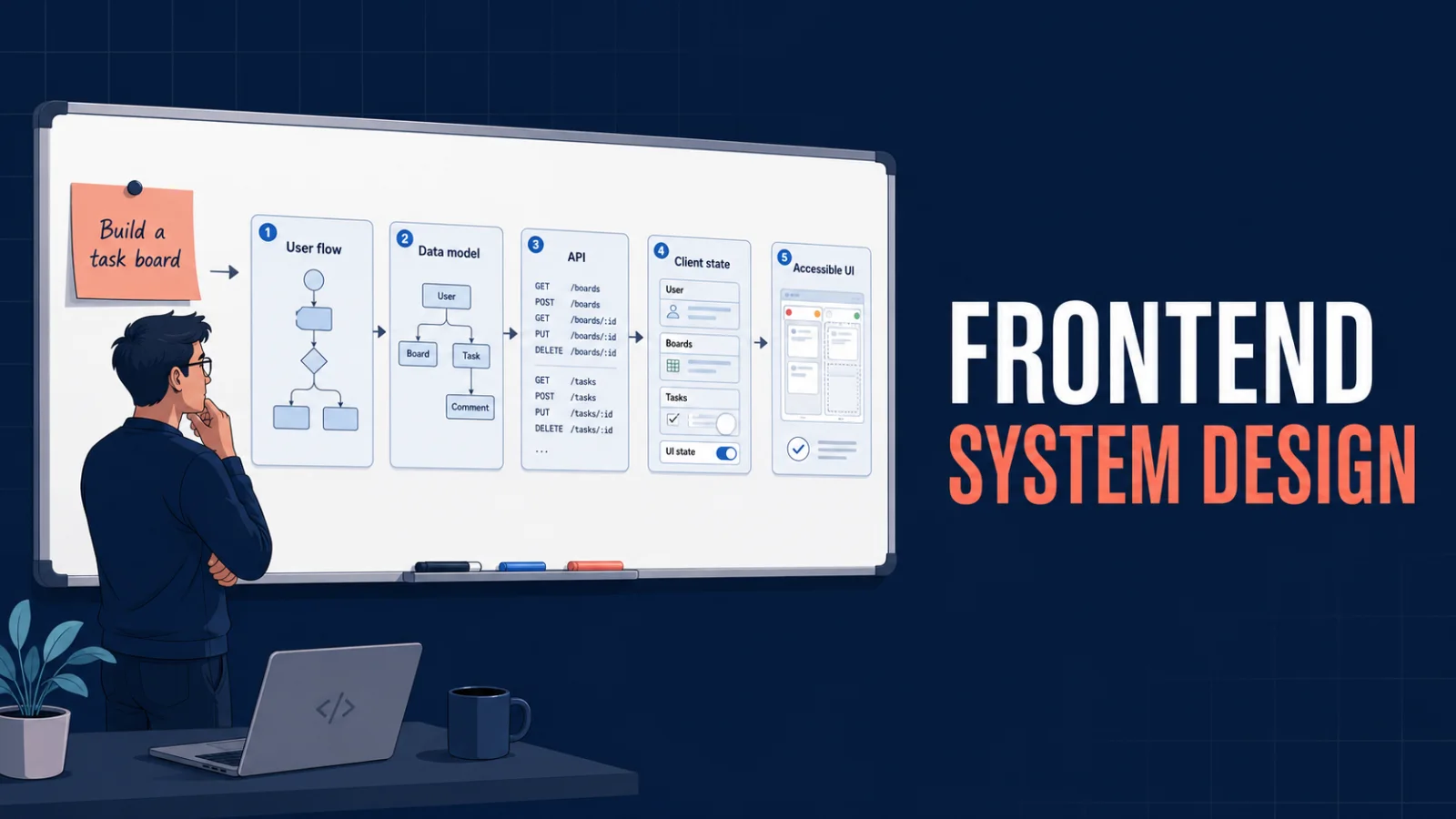
A practical guide to answering frontend system design interview prompts: define requirements first, derive user flows and contracts, then explain trade-offs clearly.
Frontend system-design interviews can feel unfair. You hear “Design a collaboration dashboard” and your mind immediately reaches for React state, WebSockets, caching, pagination, accessibility, API endpoints, and performance. That is too much to solve at once.
The useful starting point is simpler: before choosing technology, define what the user must be able to do. A good frontend design answer is a chain of reasoning, not a list of fashionable tools.
Start with the product, not the components
Imagine the prompt is: Design a team task board.
Do not begin with “I would use Redux” or “I would use WebSockets.” First narrow the product.
Ask questions such as:
- Can a user create, edit, move, and archive tasks?
- Is the board shared with other people?
- Must changes appear in real time?
- Are comments, attachments, permissions, or activity history in scope?
- Is the target web only, or mobile too?
- How large can a board become?
Then state a clear assumption:
I will design the web task board for authenticated team members. Users can view columns, create and move tasks, see changes from teammates while the board is open, and filter tasks. Attachments, offline editing, and native mobile are out of scope.
That one statement makes the discussion concrete and protects the interview from becoming “design every feature of Jira.”
Functional requirements vs quality requirements
Functional requirements describe behaviour. Quality requirements describe the constraints around it.
| Functional requirement | Design concern it creates |
|---|---|
| View a board and its tasks | Initial loading, pagination, virtualization |
| Move a task between columns | Mutation, optimistic UI, rollback |
| See teammates’ changes | Realtime transport, conflict handling |
| Filter by assignee or status | URL state, query contract, cache keys |
| Show who can edit | Authorization-aware UI and API enforcement |
Keep the distinction clear in an interview. “Tasks should update quickly” is not a feature by itself; it is a performance expectation that influences the realtime approach.
Convert requirements into user flows
For each important behaviour, describe the visible user flow before drawing architecture.
Flow: move a task
- The user drags Task A from To do to In progress.
- The UI updates immediately so the board feels responsive.
- The client sends a mutation with the new column and position.
- The server confirms the new canonical task state.
- Other connected viewers receive the change.
- If the mutation fails, the original user sees an error and the task returns to its previous position.
Now the technical decisions have a purpose. You need a task identifier, ordering information, a mutation contract, optimistic state, an error path, and a synchronization event.
Let the flows define the data model
An interview-quality client model does not need every database field. It needs the data needed to render and update the screen safely.
type Task = {
  id: string;
  title: string;
  columnId: string;
  position: number;
  assignee?: { id: string; name: string };
  updatedAt: string;
  version: number;
};

type Board = {
  id: string;
  name: string;
  columns: Array<{ id: string; title: string }>;
};
The version field matters when several users edit the same task. You do not have to build a full conflict-resolution engine in a 45-minute interview. You should show that you noticed the conflict and can choose a reasonable rule, such as last-write-wins with a refresh prompt when the server rejects an outdated version.
Derive API contracts from actions
Avoid inventing APIs before knowing what the UI needs. From the flows above, a small contract emerges naturally:
GET /boards/:boardId
GET /boards/:boardId/tasks?cursor=...
PATCH /tasks/:taskId
{
  "columnId": "in-progress",
  "position": 4,
  "version": 12
}
The server response should return the canonical task, including its new version. That gives the client one reliable source of truth after an optimistic update.
Choose state by ownership and lifetime
State management is not a library choice first. Ask who owns the state and how long it must survive.
- Local UI state: an open menu, drag preview, or form input belongs in the component or a small feature hook.
- URL state: filters, selected board, and pagination should be shareable and restorable from the URL.
- Server state: boards and tasks belong in a query cache because they are fetched, stale, invalidated, and shared.
- Realtime events: update or invalidate the affected cached entity; do not create a second permanent copy of the entire server state.
This is a stronger answer than saying “I would put everything in global state.”
Realtime is a requirement, not a default
If the interviewer says teammates must see changes while the board is open, ask how fresh the data must be and how many users are present.
| Need | Reasonable option |
|---|---|
| Occasional refresh is acceptable | Polling after visibility or at an interval |
| Server pushes one-way updates | Server-Sent Events |
| Presence, typing, or bidirectional collaboration | WebSockets |
For this board, WebSockets may be justified only if low-latency collaboration or presence is truly required. Explain the trade-off instead of announcing the technology first.
Handle optimistic updates deliberately
Optimistic UI makes drag-and-drop feel instant, but it needs a rollback strategy.
async function moveTask(input: MoveTaskInput) {
  const snapshot = queryClient.getQueryData<Task[]>(taskKey(input.boardId));

  queryClient.setQueryData(taskKey(input.boardId), (tasks = []) =>
    applyLocalMove(tasks, input),
  );

  try {
    const task = await api.patchTask(input);
    queryClient.setQueryData(taskKey(input.boardId), (tasks = []) =>
      replaceTask(tasks, task),
    );
  } catch (error) {
    queryClient.setQueryData(taskKey(input.boardId), snapshot);
    throw error;
  }
}
Mentioning the snapshot, rollback, and canonical server response shows the interviewer you have designed the unhappy path too.
Do not forget the frontend-specific risks
Strong answers include the details that make a UI usable in production:
- Virtualize long task lists instead of rendering thousands of cards.
- Keep keyboard navigation and screen-reader announcements for drag-and-drop.
- Use stable IDs and avoid index keys when task order changes.
- Debounce text search, but do not debounce a direct drag-and-drop mutation.
- Show loading, empty, permission-denied, and retry states.
- Measure slow interactions and failed mutations, without logging sensitive task content.
A reusable interview answer template
When the prompt is vague, use this order:
- Clarify the users, platform, and most valuable workflows.
- State a narrow scope and explicit exclusions.
- List functional requirements.
- Turn each requirement into a user flow.
- Define the smallest useful data model and API contract.
- Choose client state based on ownership and lifetime.
- Add the quality concerns: performance, accessibility, reliability, security, and observability.
- Explain trade-offs and what you would build next if scope expands.
Final takeaway
Frontend system design is not a contest to name React libraries, WebSockets, or micro-frontends. It is an exercise in making good decisions with incomplete information.
Start with what the user must accomplish. When requirements are clear, the data model, API, state boundaries, rendering strategy, and realtime approach become much easier to justify.
Further reading
Featured Articles

YOLO Object Detection: A Complete Practical Guide for Developers
A developer-focused, end-to-end guide to YOLO object detection covering core concepts, datasets, training, evaluation, real-time inference, deployment, optimization, production risks, and interviews.

Deep Learning Explained: A Complete Practical Guide for Developers
A developer-focused guide to how deep learning works—from neurons and gradient descent to CNNs, transformers, production deployment, and the questions engineers should be ready to answer.
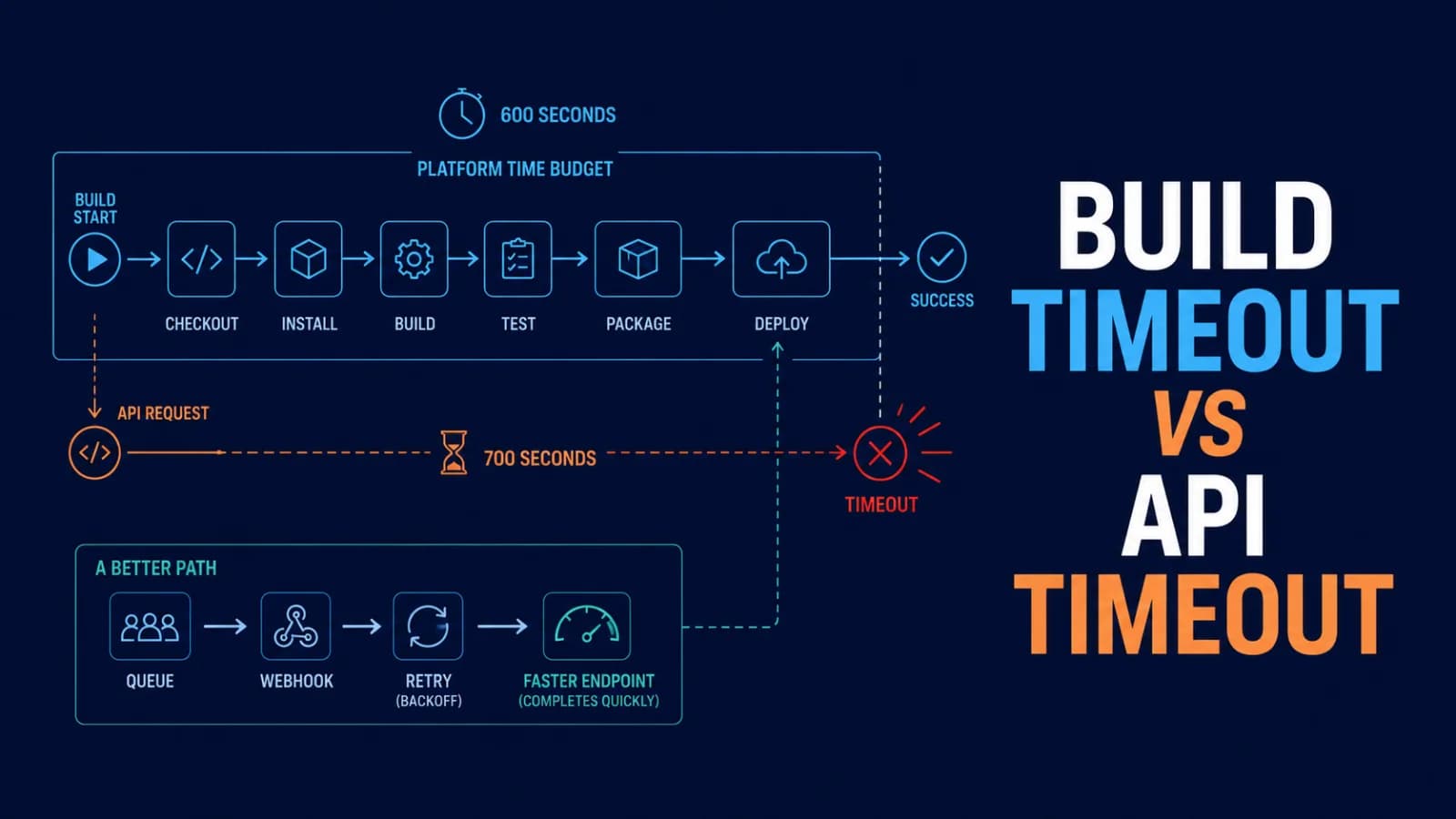
Build Timeout vs. API Timeout: Why a 700-Second Fetch Cannot Finish in a 600-Second Build
A 700-second API request cannot reliably complete inside a 600-second build. Learn how to find the real deadline, design timeout budgets, retry safely, and move long work out of the build path.
Comments
0 commentsNo approved comments are visible yet. New community replies may wait for moderation.