How to Code a Simple Website in Less Than an Hour

A personal landing page with:
What We Are Building
A personal landing page with:
- A headline and tagline
- An "About Me" section
- Links to your social profiles
- Contact information
- A contact form (that works without a backend)
Step 1: Set Up Your Project (2 minutes)
Create a folder called my-website with two files:
my-website/
├── index.html    (the structure)
└── style.css     (the styling)
Open both files in any text editor (VS Code, Notepad, TextEdit).
Step 2: Write the HTML (10 minutes)
HTML is the structure of your page. Think of it like a building's frame.
<!DOCTYPE html>
<html lang="en">
<head>
<meta charset="UTF-8">
<meta name="viewport" content="width=device-width, initial-scale=1.0">
<title>Your Name | Personal Website</title>
<!-- Link to our CSS file -->
<link rel="stylesheet" href="style.css">
<!-- Font Awesome for icons -->
<link rel="stylesheet" href="https://cdnjs.cloudflare.com/ajax/libs/font-awesome/6.5.0/css/all.min.css">
</head>
<body>
<!-- Header / Hero Section -->
<header>
<h1>Hi, I'm <span class="highlight">Your Name</span></h1>
<p class="tagline">Web Developer | Designer | Creator</p>
</header>
<!-- About Section -->
<section id="about">
<h2>About Me</h2>
<p>
Write a sentence or two about yourself. What do you do?
What are you passionate about? Keep it friendly and authentic.
</p>
</section>
<!-- Skills Section -->
<section id="skills">
<h2>What I Do</h2>
<div class="skills-grid">
<div class="skill-card">
<i class="fas fa-code"></i>
<h3>Web Development</h3>
<p>HTML, CSS, JavaScript, React</p>
</div>
<div class="skill-card">
<i class="fas fa-paint-brush"></i>
<h3>Design</h3>
<p>UI/UX, Figma, Adobe XD</p>
</div>
<div class="skill-card">
<i class="fas fa-mobile-alt"></i>
<h3>Responsive</h3>
<p>Mobile-first, all devices</p>
</div>
</div>
</section>
<!-- Contact Section -->
<section id="contact">
<h2>Get In Touch</h2>
<form id="contact-form">
<input type="text" placeholder="Your Name" required>
<input type="email" placeholder="Your Email" required>
<textarea placeholder="Your Message" rows="5" required></textarea>
<button type="submit">Send Message</button>
</form>
<p class="form-message" id="form-message"></p>
</section>
<!-- Footer -->
<footer>
<div class="social-links">
<a href="#"><i class="fab fa-github"></i></a>
<a href="#"><i class="fab fa-linkedin"></i></a>
<a href="#"><i class="fab fa-twitter"></i></a>
</div>
<p>© 2026 Your Name. Made with <span class="heart">♥</span></p>
</footer>
<script>
// Contact form — no backend needed
document.getElementById('contact-form').addEventListener('submit', function(e) {
e.preventDefault();
const message = document.getElementById('form-message');
message.textContent = "Thanks! I will get back to you soon.";
message.style.color = "#4CAF50";
this.reset();
});
</script>
</body>
</html>
Step 3: Write the CSS (15 minutes)
CSS makes the page look good. Colors, layout, spacing.
/* === Reset & Base === */
* {
  margin: 0;
  padding: 0;
  box-sizing: border-box;
}

body {
  font-family: -apple-system, BlinkMacSystemFont, 'Segoe UI', Roboto, sans-serif;
  line-height: 1.6;
  color: #333;
  background: #f8f9fa;
}

/* === Header === */
header {
  text-align: center;
  padding: 80px 20px 40px;
  background: linear-gradient(135deg, #667eea, #764ba2);
  color: white;
}

header h1 {
  font-size: 2.5em;
  margin-bottom: 10px;
}

.highlight {
  color: #ffd700;
}

.tagline {
  font-size: 1.2em;
  opacity: 0.9;
}

/* === Sections === */
section {
  max-width: 800px;
  margin: 0 auto;
  padding: 60px 20px;
}

h2 {
  font-size: 2em;
  margin-bottom: 30px;
  text-align: center;
  color: #333;
}

/* === Skills Grid === */
.skills-grid {
  display: grid;
  grid-template-columns: repeat(auto-fit, minmax(200px, 1fr));
  gap: 20px;
}

.skill-card {
  background: white;
  padding: 30px;
  border-radius: 10px;
  text-align: center;
  box-shadow: 0 2px 10px rgba(0,0,0,0.1);
  transition: transform 0.2s;
}

.skill-card:hover {
  transform: translateY(-5px);
}

.skill-card i {
  font-size: 2em;
  color: #667eea;
  margin-bottom: 15px;
}

.skill-card h3 {
  margin-bottom: 10px;
}

/* === Form === */
#contact-form {
  display: flex;
  flex-direction: column;
  gap: 15px;
  max-width: 500px;
  margin: 0 auto;
}

input, textarea, button {
  padding: 12px;
  border: 2px solid #ddd;
  border-radius: 5px;
  font-size: 1em;
}

input:focus, textarea:focus {
  border-color: #667eea;
  outline: none;
}

button {
  background: #667eea;
  color: white;
  border: none;
  cursor: pointer;
  font-weight: bold;
  transition: background 0.2s;
}

button:hover {
  background: #5a67d8;
}

.form-message {
  text-align: center;
  margin-top: 15px;
  font-weight: bold;
}

/* === Footer === */
footer {
  text-align: center;
  padding: 40px;
  background: #333;
  color: white;
}

.social-links a {
  color: white;
  font-size: 1.5em;
  margin: 0 10px;
  text-decoration: none;
  transition: color 0.2s;
}

.social-links a:hover {
  color: #667eea;
}

.heart {
  color: #e74c3c;
}

/* === Responsive === */
@media (max-width: 600px) {
  header h1 { font-size: 1.8em; }
  header { padding: 60px 20px 30px; }
  section { padding: 40px 20px; }
}
Step 4: Open in Browser (1 second)
Double-click index.html. It opens in your browser.
You now have a working website.
Step 5: Customize (10 minutes)
Change these things to make it yours:
- Replace text — Your name, tagline, bio
- Change colors — Edit the gradient in the
headerand the purple#667eea - Update links — Replace
#in social links with your actual URLs - Add your photo — Add
<img src="your-photo.jpg" alt="Your Name">inside the header - Edit the form — To actually send emails, replace the form action with a service like Formspree or Web3Forms
Step 6: Publish (10 minutes)
Free hosting options:
1. GitHub Pages (Recommended)
- Create a GitHub account
- Create a repository named
username.github.io - Upload your
index.htmlandstyle.css - Your site is live at
username.github.io
2. Netlify (Easiest)
- Go to netlify.com
- Drag and drop your folder
- Done. Your site gets a free URL (
random-name.netlify.app)
3. Vercel
- Go to vercel.com
- Import your project
- Auto-deploys from GitHub
What You Learned
In less than an hour:
- HTML structure (headings, paragraphs, sections, forms)
- CSS styling (colors, layout, responsive design)
- Contact form with JavaScript
- How to publish online for free
Next Steps
- Add more pages (About, Portfolio, Blog)
- Learn JavaScript to add interactivity (animations, dark mode)
- Use a CSS framework (Tailwind, Bootstrap) for faster styling
- Connect a real contact form backend
- Buy a custom domain ($10-15/year)
Featured Articles
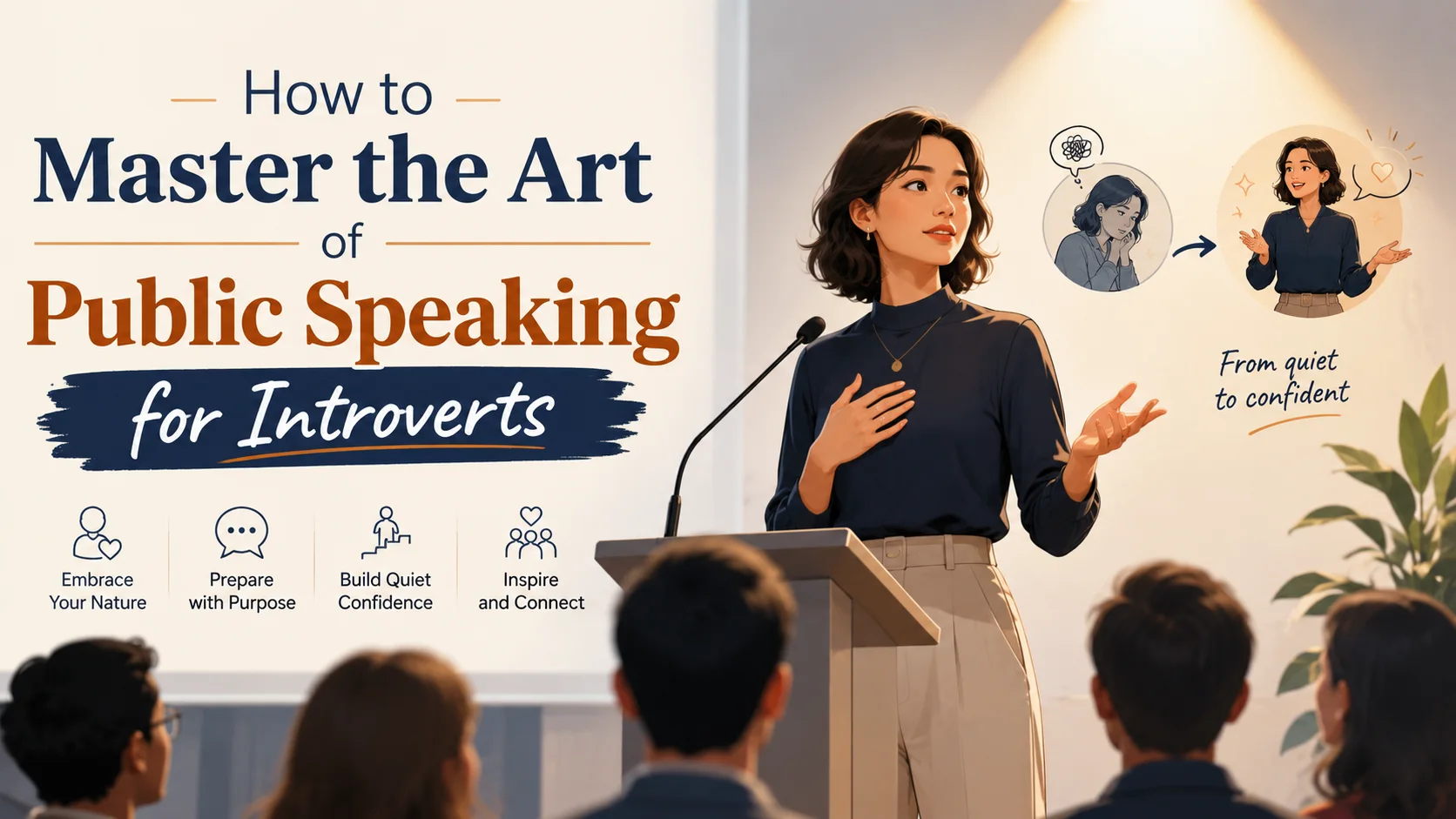
How to Master the Art of Public Speaking for Introverts
Public speaking is widely cited as one of the greatest fears people face—ranking above death in some studies. For introverts, the prospect of standing in front of a room full of people can feel especially daunting. The good news: introverts often make exceptional public speakers. You are naturally reflective, prepared, and empathetic to your audience.
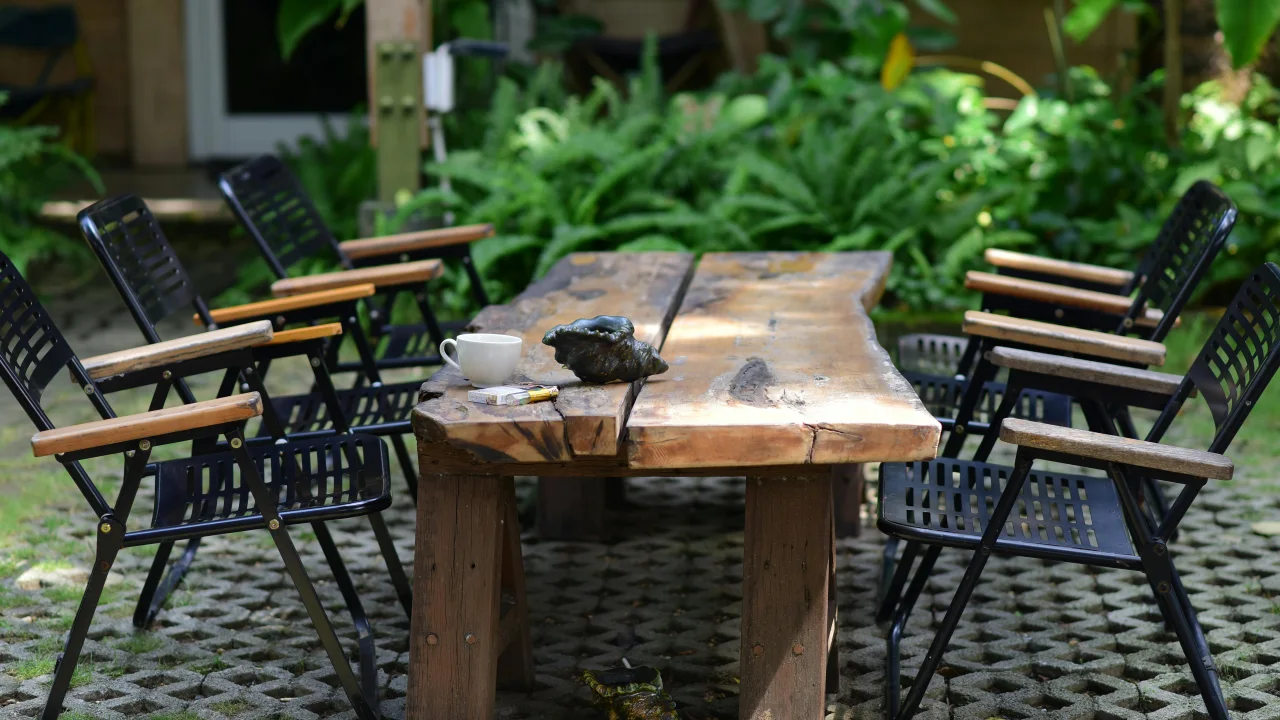
10 Backyard Upgrades on a Budget: DIY Home Improvement
Your backyard has more potential than you think. Even a small outdoor space can become a relaxing retreat, an entertainment hub, or a productive garden. And you do not need thousands of dollars or professional contractors to make it happen.

The Best Travel Destinations for Solo Travelers on a Budget
Solo travel is one of the most transformative experiences you can have. You set your own schedule, make decisions on the fly, and meet people you would never talk to if you were traveling with a friend. The common objection is cost—but solo travel can actually be cheaper than group travel when you choose the right destinations.
Comments
0 commentsNo approved comments are visible yet. New community replies may wait for moderation.