7 Free Alternatives to Adobe Photoshop
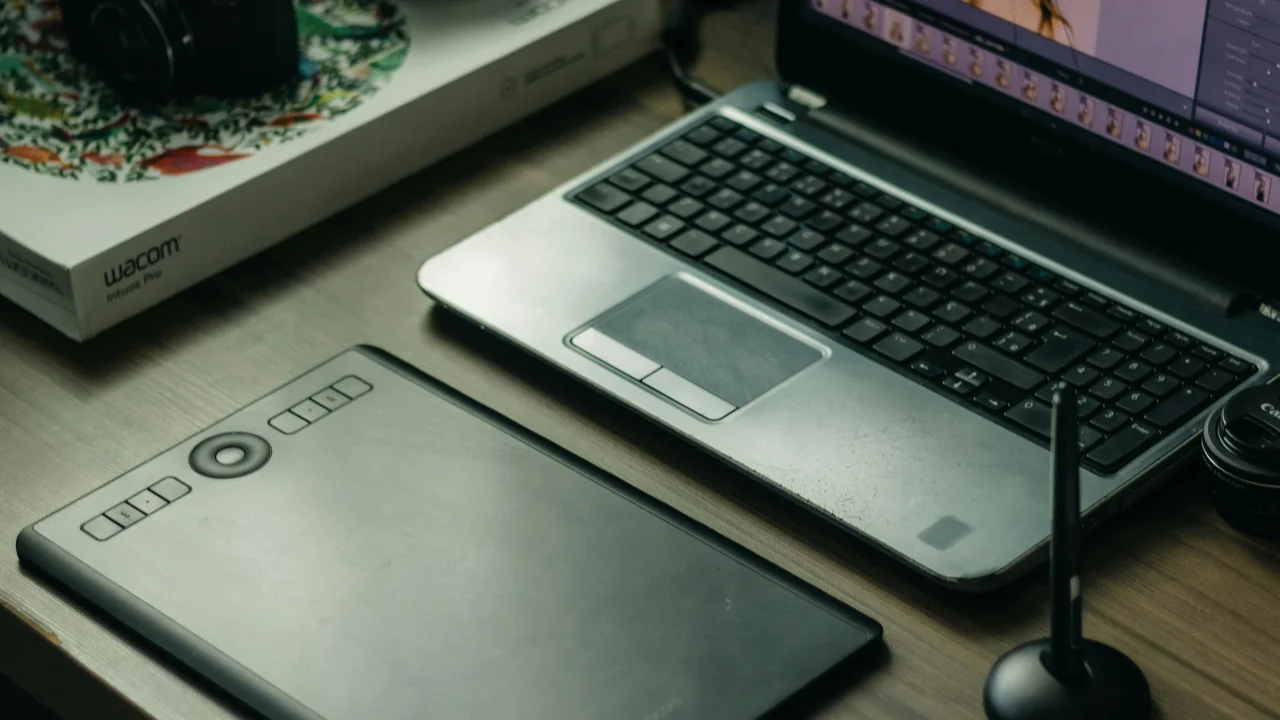
The most powerful free alternative. GIMP has been around for 25+ years and offers professional-grade tools.
1. GIMP (GNU Image Manipulation Program)
The most powerful free alternative. GIMP has been around for 25+ years and offers professional-grade tools.
Best for: Experienced users who want Photoshop-like power without the price tag
Platform: Windows, Mac, Linux
Key features: Layers, masks, channels, advanced selection tools, healing/clone tools, 500+ plugins
Learning curve: Steep (interface is different from Photoshop)
Download: gimp.org
2. Photopea
Runs entirely in your browser — no installation needed. Can open PSD files natively.
Best for: Quick edits when you are not on your own computer
Platform: Browser (any OS)
Key features: PSD support, layers, vector tools, batch processing
Learning curve: Moderate (familiar Photoshop-like layout)
Price: Free with ads, $5/mo no ads
URL: photopea.com
3. Krita
Built primarily for digital painting and illustration, but capable for photo editing too.
Best for: Digital artists and illustrators
Platform: Windows, Mac, Linux
Key features: Brush stabilization, wrap-around mode, HDR painting, animation tools
Learning curve: Moderate
Download: krita.org
4. Paint.NET
Lightweight, fast, and simple. Originally a Windows-only Paint replacement that has evolved into a capable editor.
Best for: Quick edits, beginners, Windows users
Platform: Windows only
Key features: Layers, unlimited undo, special effects, wide plugin library
Learning curve: Low
Download: getpaint.net
5. Canva (Free Plan)
Not a Photoshop replacement in functionality, but covers 80% of what most people need — social media graphics, presentations, flyers.
Best for: Non-designers creating social media content
Platform: Browser, mobile app
Key features: Templates, drag-and-drop, stock photos, brand kits
Learning curve: Very low
Price: Free with premium assets, $13/mo Pro
6. Pixlr (Free Plan)
Browser-based editor that runs in your browser. Comes in two versions — Pixlr X (simple) and Pixlr E (advanced).
Best for: Browser-based editing without account creation
Platform: Browser, mobile
Key features: AI background removal, layers, blend modes, filters
Learning curve: Low to moderate
URL: pixlr.com
7. RawTherapee
Purpose-built for processing RAW photos. Powerful color correction and exposure tools.
Best for: Photographers editing RAW files
Platform: Windows, Mac, Linux
Key features: RAW processing, noise reduction, lens correction, color management
Learning curve: Moderate to high
Download: rawtherapee.com
Quick Comparison
| Tool | Best For | PSD Support | Learning Curve | Platform |
|---|---|---|---|---|
| GIMP | Full editing | Via plugin | Steep | All |
| Photopea | Browser editing | Yes | Moderate | Browser |
| Krita | Digital art | Import only | Moderate | All |
| Paint.NET | Quick edits | Via plugin | Low | Windows |
| Canva | Social graphics | No | Very low | Web/Mobile |
| Pixlr | Simple browser edits | Yes | Low | Browser |
| RawTherapee | RAW photos | No | Moderate | All |
What You Give Up
- CMYK support — GIMP has it, others do not
- Camera Raw / Lightroom integration — Use RawTherapee + GIMP instead
- Font management — You will need separate font managers
- Marketplace for assets — No Adobe Fonts, no Adobe Stock integration
- Seamless Adobe ecosystem — No Bridge, Illustrator, InDesign integration
Conclusion
For most users, a combination of GIMP (full editing) + Canva (quick designs) + Photopea (PSD compatibility) replaces 95% of Photoshop functionality. The remaining 5% matters only if you are a professional graphic designer working in the Adobe ecosystem.
Featured Articles

How to Master the Art of Public Speaking for Introverts
Public speaking is widely cited as one of the greatest fears people face—ranking above death in some studies. For introverts, the prospect of standing in front of a room full of people can feel especially daunting. The good news: introverts often make exceptional public speakers. You are naturally reflective, prepared, and empathetic to your audience.
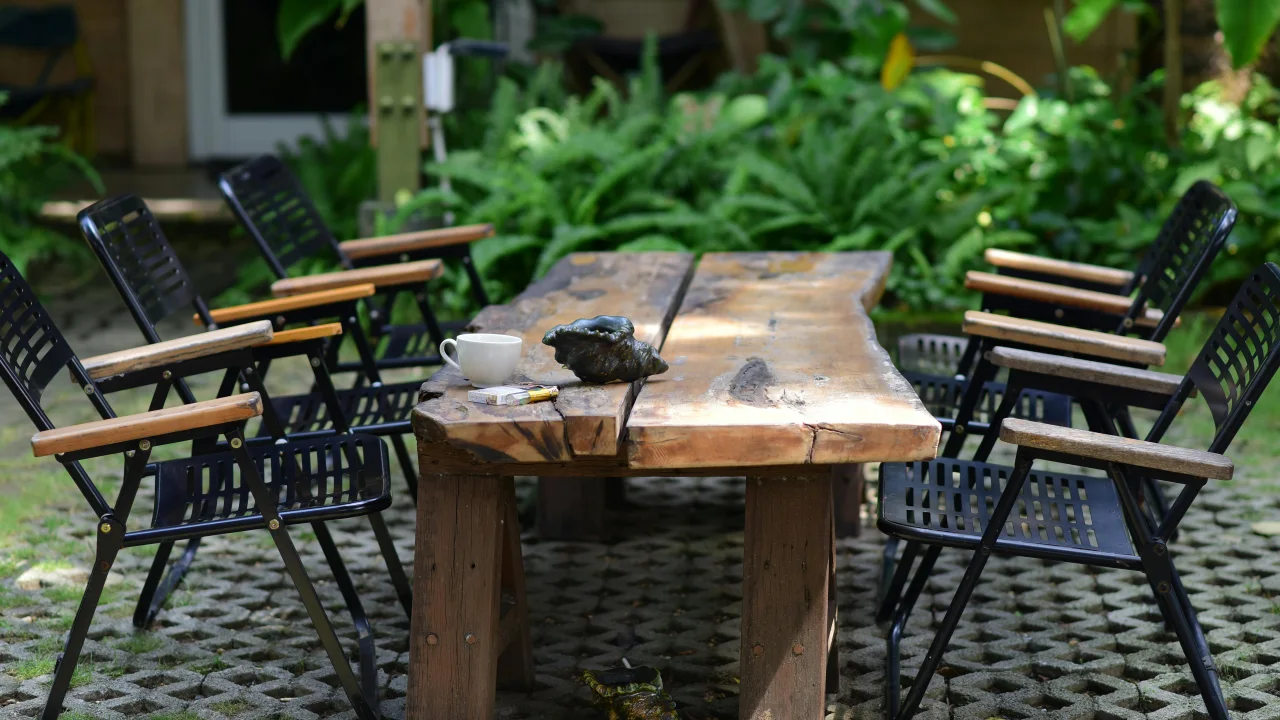
10 Backyard Upgrades on a Budget: DIY Home Improvement
Your backyard has more potential than you think. Even a small outdoor space can become a relaxing retreat, an entertainment hub, or a productive garden. And you do not need thousands of dollars or professional contractors to make it happen.
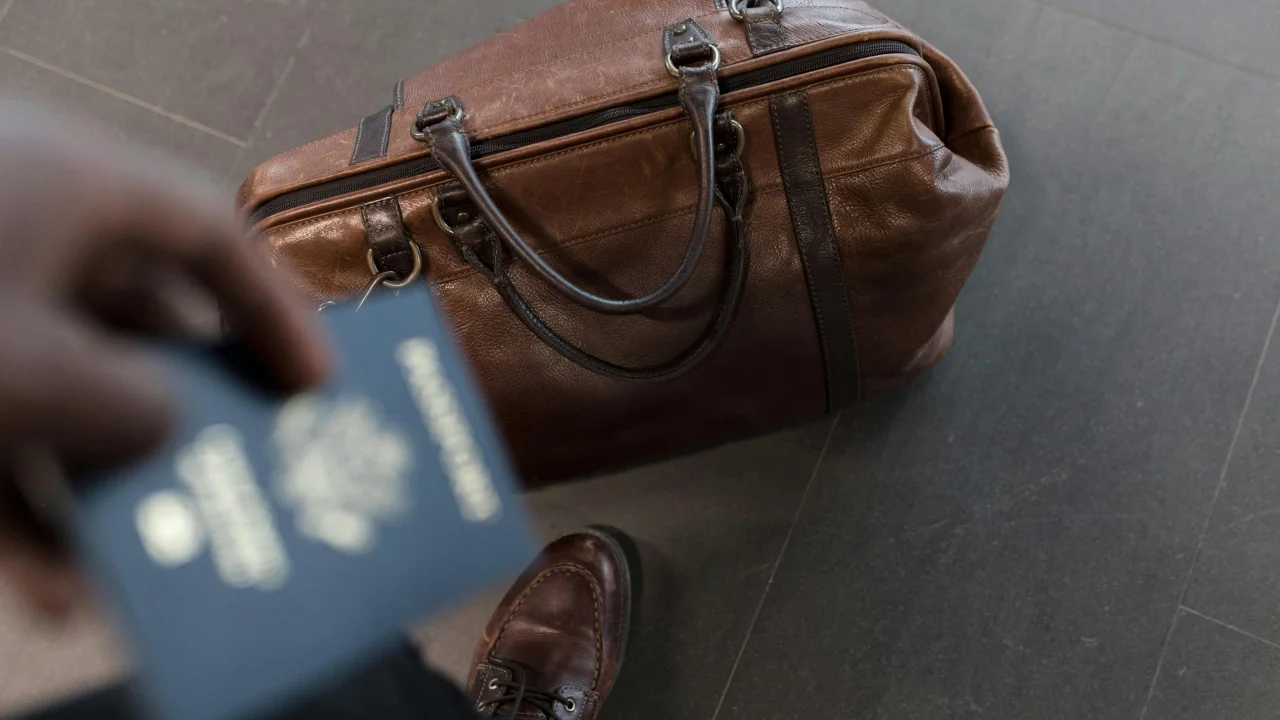
The Best Travel Destinations for Solo Travelers on a Budget
Solo travel is one of the most transformative experiences you can have. You set your own schedule, make decisions on the fly, and meet people you would never talk to if you were traveling with a friend. The common objection is cost—but solo travel can actually be cheaper than group travel when you choose the right destinations.
Comments
0 commentsNo approved comments are visible yet. New community replies may wait for moderation.