Tutorial de programación en Python para principiantes absolutos
Python es el mejor lenguaje para principiantes. Se lee como inglés, maneja la complejidad por usted y se usa en todas partes, desde desarrollo web hasta inteligencia artificial y ciencia de datos.
¿Por qué Python?
Python es el mejor lenguaje para principiantes. Se lee como inglés, maneja la complejidad por usted y se usa en todas partes, desde desarrollo web hasta inteligencia artificial y ciencia de datos.
Lección 1: Tu primer programa
Instalar Python
- Ir a python.org
- Descargar la versión 3.12+
- Ejecute el instalador (marque "Agregar Python a PATH" en Windows)
¡Hola Mundo!
Crea un archivo llamado hello.py:
print("Hello, World!")
Ejecútelo:
python hello.py
Acabas de escribir tu primer programa. print() muestra texto en la pantalla.
Lección 2: Variables y tipos de datos
Las variables almacenan datos:
# String (text)
name = "Alice"
greeting = 'Hello, World!'

# Integer (whole number)
age = 25
year = 2026

# Float (decimal number)
price = 19.99
pi = 3.14159

# Boolean (True or False)
is_student = True
has_graduated = False

# Print them
print(name)        # Alice
print(age + 5)     # 30
print(type(age))   # <class 'int'>
Reglas de nomenclatura
- Utilice letras, números y guiones bajos.
- No se puede empezar con un número
- Distingue entre mayúsculas y minúsculas (
Nombre≠nombre) - Utilice
snake_casepara nombres de variables
Lección 3: Trabajar con texto
# Combining strings
first = "John"
last = "Doe"
full = first + " " + last
print(full)  # John Doe

# f-strings (best way)
age = 30
print(f"My name is {full} and I am {age} years old.")
# My name is John Doe and I am 30 years old.

# String methods
text = "  Hello, Python!  "
print(text.lower())          # "  hello, python!  "
print(text.upper())          # "  HELLO, PYTHON!  "
print(text.strip())          # "Hello, Python!"
print(text.replace("o", "0"))  # "  Hell0, Pyth0n!  "
print(len(text))             # 18 (includes spaces)
Lección 4: Números y Matemáticas
# Basic operations
print(5 + 3)    # 8
print(10 - 4)   # 6
print(3 * 4)    # 12
print(10 / 3)   # 3.333... (always gives float)
print(10 // 3)  # 3 (integer division, no decimal)
print(10 % 3)   # 1 (remainder / modulo)
print(2 ** 3)   # 8 (exponent: 2³)

# Useful math functions
print(round(3.14159, 2))  # 3.14
print(abs(-5))            # 5
print(max(3, 7, 2))       # 7
print(min(3, 7, 2))       # 2
print(sum([1, 2, 3, 4]))  # 10
Lección 5: Listas (Colecciones de Artículos)
# Creating lists
fruits = ["apple", "banana", "cherry"]
numbers = [1, 2, 3, 4, 5]
mixed = ["hello", 42, True, 3.14]

# Accessing items (index starts at 0)
print(fruits[0])     # "apple"
print(fruits[-1])    # "cherry" (last item)
print(fruits[1:3])   # ["banana", "cherry"] (slicing)

# Modifying lists
fruits.append("orange")  # Add to end
fruits.insert(1, "grape")  # Insert at position
fruits.remove("banana")  # Remove by value
last = fruits.pop()      # Remove and return last item
print(len(fruits))       # How many items

# Looping through a list
for fruit in fruits:
    print(fruit)
Lección 6: Declaraciones If (Tomar decisiones)
age = 18

if age >= 18:
    print("You can vote!")
elif age >= 16:
    print("You can drive!")
else:
    print("Too young.")

# Comparison operators
# ==  (equal to)
# !=  (not equal to)
# >   (greater than)
# <   (less than)
# >=  (greater than or equal)
# <=  (less than or equal)

# Logical operators
temperature = 75
is_raining = False

if temperature > 70 and not is_raining:
    print("Perfect day for a walk!")
elif temperature > 70 and is_raining:
    print("Warm but wet. Bring an umbrella.")
Lección 7: Bucles (hacer cosas repetidamente)
Para bucle
# Loop through a range of numbers
for i in range(5):          # 0, 1, 2, 3, 4
    print(i)

for i in range(1, 6):      # 1, 2, 3, 4, 5
    print(i)

# Loop through a list
colors = ["red", "green", "blue"]
for color in colors:
    print(f"The color is {color}")
Mientras bucle
count = 0
while count < 5:
    print(f"Count is {count}")
    count += 1  # Increment (same as: count = count + 1)

# Be careful! This loop never ends:
# while True:
#     print("Infinite loop!")
Lección 8: Funciones (Código Reutilizable)
# Define a function
def greet(name):
    return f"Hello, {name}!"

# Call the function
message = greet("Alice")
print(message)  # Hello, Alice!

# Function with multiple parameters
def calculate_total(price, tax_rate):
    tax = price * tax_rate
    total = price + tax
    return round(total, 2)

print(calculate_total(29.99, 0.08))  # 32.39

# Function with default parameter
def greet_with_title(name, title="Mr."):
    return f"Hello, {title} {name}"

print(greet_with_title("Smith"))        # Hello, Mr. Smith
print(greet_with_title("Jones", "Dr."))  # Hello, Dr. Jones
Lección 9: Diccionarios (pares clave-valor)
# Creating a dictionary
person = {
    "name": "Alice",
    "age": 30,
    "city": "New York",
    "is_student": False
}

# Accessing values
print(person["name"])      # Alice
print(person.get("age"))   # 30 (safer — returns None if missing)

# Modifying
person["age"] = 31
person["job"] = "Engineer"  # Adds new key-value

# Looping through dictionary
for key, value in person.items():
    print(f"{key}: {value}")

# Check if key exists
if "name" in person:
    print("Name exists!")
Lección 10: Tu primer miniproyecto
Construyamos una Lista de tareas pendientes:
# todo.py — A simple to-do list
tasks = []

def show_menu():
    print("\n=== To-Do List ===")
    print("1. View tasks")
    print("2. Add task")
    print("3. Remove task")
    print("4. Quit")

def view_tasks():
    if not tasks:
        print("No tasks yet!")
    else:
        for i, task in enumerate(tasks, 1):
            print(f"{i}. {task}")

def add_task():
    task = input("Enter task: ")
    tasks.append(task)
    print(f"Added: {task}")

def remove_task():
    view_tasks()
    if tasks:
        try:
            num = int(input("Task number to remove: "))
            if 1 <= num <= len(tasks):
                removed = tasks.pop(num - 1)
                print(f"Removed: {removed}")
            else:
                print("Invalid number!")
        except ValueError:
            print("Please enter a number!")

# Main loop
while True:
    show_menu()
    choice = input("Choose an option: ")

    if choice == "1":
        view_tasks()
    elif choice == "2":
        add_task()
    elif choice == "3":
        remove_task()
    elif choice == "4":
        print("Goodbye!")
        break
    else:
        print("Invalid choice!")
Ejecútelo: python todo.py
Qué aprender a continuación
| Tema | Por qué aprender |
|---|---|
| Clases y POO | Estructurar programas más grandes |
| E/S de archivos | Leer/escribir archivos |
| Bibliotecas | Utilice importar para agregar funciones potentes |
| Manejo de errores | Bloques probar/excepto |
| API | Conéctese a servicios web con "solicitudes" |
| Marcos web | Flask o Django para aplicaciones web |
| Ciencia de datos | Pandas, NumPy para análisis de datos |
Recursos gratuitos para continuar
- docs.python.org — Documentación oficial
- Automatiza las cosas aburridas con Python (libro) — Gratis en línea
- Curso de Codecademy Python: nivel interactivo y gratuito
- Pista de ejercicio Python — Desafíos de práctica
Artículos destacados
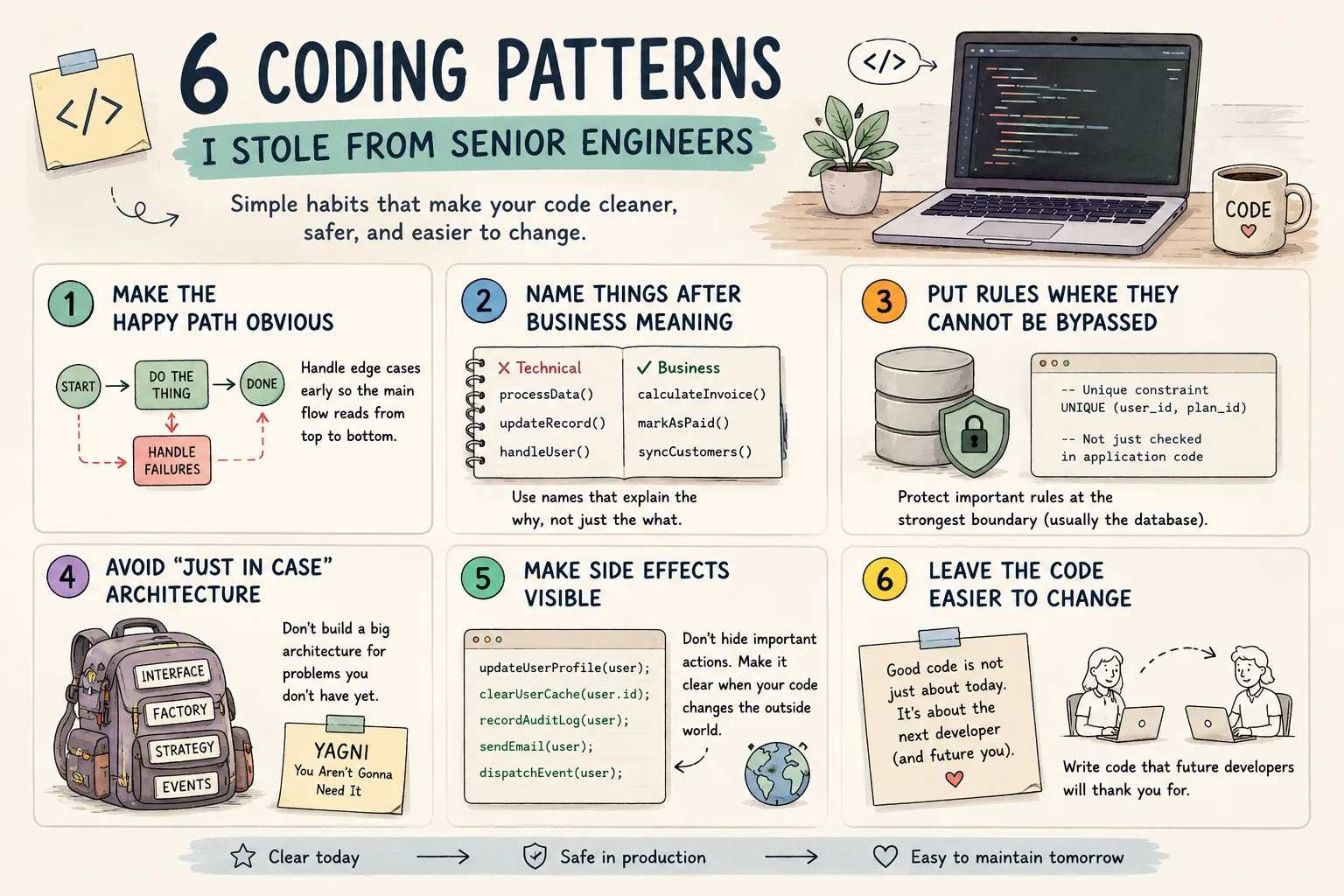
6 patrones de programación que aprendí de ingenieros senior

Crea un asistente privado de notas con IA
Convierte notas Markdown en un asistente consultable sin exponer borradores privados.

Automatiza la extracción de datos de facturas con OCR
Crea un flujo que lee facturas, extrae campos y marca valores dudosos para revisión.
Comentarios
0 comentariosTodavía no hay comentarios aprobados. Las respuestas nuevas pueden esperar moderación.