Why Your Laptop Is Running Slow and How to Speed It Up
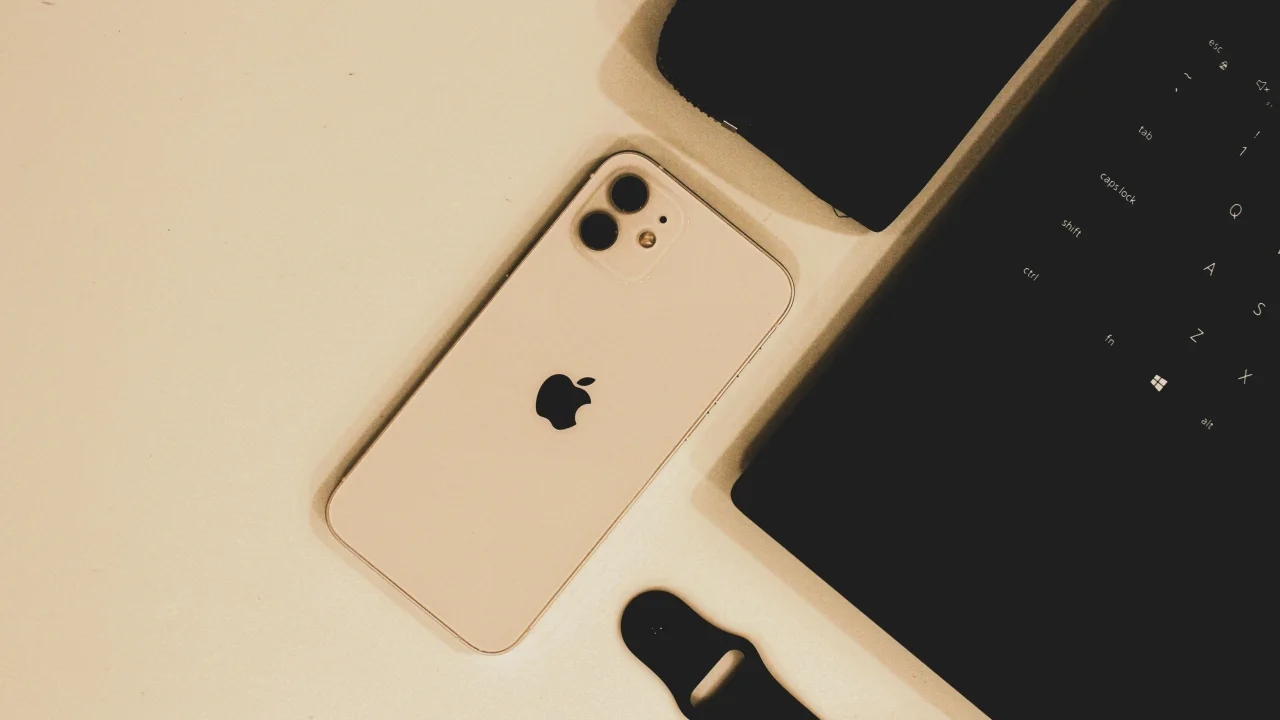
A slow laptop is almost always caused by one of these four problems:
The Diagnosis
A slow laptop is almost always caused by one of these four problems:
- Not enough memory (RAM) — Too many programs for your RAM to handle
- Slow storage drive — Old hard drive (HDD) instead of SSD
- Too many startup programs — Everything loads at boot
- Background processes — Malware, bloatware, or forgotten apps
Let us diagnose and fix each.
Step 1: Check What Is Using Your Resources
Windows
Press Ctrl + Shift + Esc to open Task Manager. Click "More Details."
Look at these columns:
- CPU — If any process is consistently > 80%, it is the culprit
- Memory — If usage is > 80%, you need more RAM or fewer programs
- Disk — If 100%, your drive is the bottleneck
Mac
Open Activity Monitor (Applications → Utilities). Same idea — sort by CPU, Memory, Disk to find the hog.
Step 2: The Quick Fixes
Fix 1: Restart Your Computer
Not a joke. Restarting clears memory, closes background processes, and flushes temporary files. If it has been weeks since your last restart, this alone may fix the issue.
Fix 2: Close Browser Tabs
Each open tab uses memory. If you have 20+ tabs open in Chrome or Edge, that is probably the problem.
Check your browser's Task Manager:
- Chrome: Shift + Esc
- Edge: Shift + Esc
Close tabs you are not using. Use bookmarks for later.
Fix 3: Disable Startup Programs
Windows:
Task Manager → Startup tab
Disable everything that does not need to load at boot.
| Program | Keep? |
|---------|-------|
| Antivirus | ✅ Yes |
| Cloud sync (Dropbox, OneDrive) | ❌ No |
| Chat apps (Slack, Discord) | ❌ No |
| Printer software | ❌ No |
| Game launchers (Steam, Epic) | ❌ No |
| Adobe updater | ❌ No |
Mac:
System Settings → General → Login Items
Remove anything unnecessary.
Fix 4: Free Up Disk Space
A nearly-full drive slows everything down. Aim for at least 20% free space.
Windows:
Settings → System → Storage → Storage Sense (turn on)
Or: Clean up now → choose temporary files
Run Disk Cleanup: Search for "Disk Cleanup" → Select drive → Delete: Temporary files, Recycle Bin, Delivery Optimization Files.
Mac:
About This Mac → Storage → Manage
Recommendations:
- Store in iCloud (offloads photos/files)
- Optimize Storage (removes watched Apple TV shows)
- Empty Trash Automatically
Step 3: The Upgrade That Makes the Biggest Difference
Replace HDD with SSD
If your laptop still has a spinning hard drive (HDD), this is the #1 speed improvement you can make.
| Drive Type | Boot Time | App Loading | File Transfer |
|---|---|---|---|
| HDD (old) | 45-90 seconds | 5-15 seconds | 80-160 MB/s |
| SATA SSD | 15-25 seconds | 1-3 seconds | 500-600 MB/s |
| NVMe SSD | 5-10 seconds | < 1 second | 2,000-7,000 MB/s |
How to check what you have:
- Windows: Task Manager → Performance → Disk —it says "SSD" or "HDD"
- Mac: About This Mac → System Report → SATA/SATA Express → look for "Solid State" or "Rotational"
Cost: $30-80 for a good SSD (500GB-1TB)
Installation: Follow a YouTube guide for your specific laptop model. Most allow SSD upgrades. Some newer ultrabooks have soldered storage — check first.
Step 4: Add More RAM
If Task Manager shows > 80% memory usage consistently, you need more RAM.
| Current RAM | Recommended For |
|---|---|
| 4GB | Web browsing only — upgrade to 8GB minimum |
| 8GB | Light productivity — upgrade to 16GB if you multitask |
| 16GB | Good for most users — upgrade to 32GB for video editing/VMs |
| 32GB+ | Unlikely to be the bottleneck |
Check if upgradable: Search "can I upgrade RAM in [your laptop model]." Many ultrabooks have soldered RAM — you need a new laptop.
Step 5: Clean Up Software
Remove Bloatware
Laptops come with pre-installed software you will never use:
- Trial versions of antivirus
- Manufacturer utilities (Dell SupportAssist, Lenovo Vantage)
- Third-party apps (McAfee, Norton, Candy Crush)
Uninstall anything you do not recognize or have never used.
Check for Malware
Run a scan:
- Windows: Windows Security (built-in) → Quick scan
- Alternative: Malwarebytes Free — best for catching what Windows misses
- Mac: Malwarebytes for Mac
Reset or Reinstall Windows
If nothing above works, a fresh start often fixes years of accumulated slowdowns:
Settings → Update & Security → Recovery → Reset this PC
Choose "Keep my files" (preserves documents, removes apps)
Maintenance Schedule
| Frequency | Task |
|---|---|
| Weekly | Restart computer |
| Monthly | Close unused startup programs |
| Quarterly | Run Disk Cleanup, check for bloatware |
| Yearly | Open and clean dust from fans (if comfortable) |
When to Give Up and Buy New
Your laptop may be too old to justify upgrades:
| Symptom | Action |
|---|---|
| CPU is 5+ years old | Consider new laptop |
| RAM is soldered and < 8GB | Buy new |
| HDD failure signs (clicking, grinding) | Replace immediately or buy new |
| Battery lasts < 2 hours | Replace battery or new laptop |
| Cannot upgrade to Windows 11 | Likely time for new laptop |
Minimum specs for a decent 2026 experience: Intel i5/AMD Ryzen 5, 16GB RAM, 512GB NVMe SSD — expect to spend $600-900.
Featured Articles
The 10 Largest Frontend Performance Challenges in 2026 (And How to Fix Them)

Should I Use React or Next.js? Complete Comparison Guide 2026

Build an Offline-First SaaS with Laravel & React: Complete PWA Tutorial 2026
Comments
0 commentsNo approved comments are visible yet. New community replies may wait for moderation.