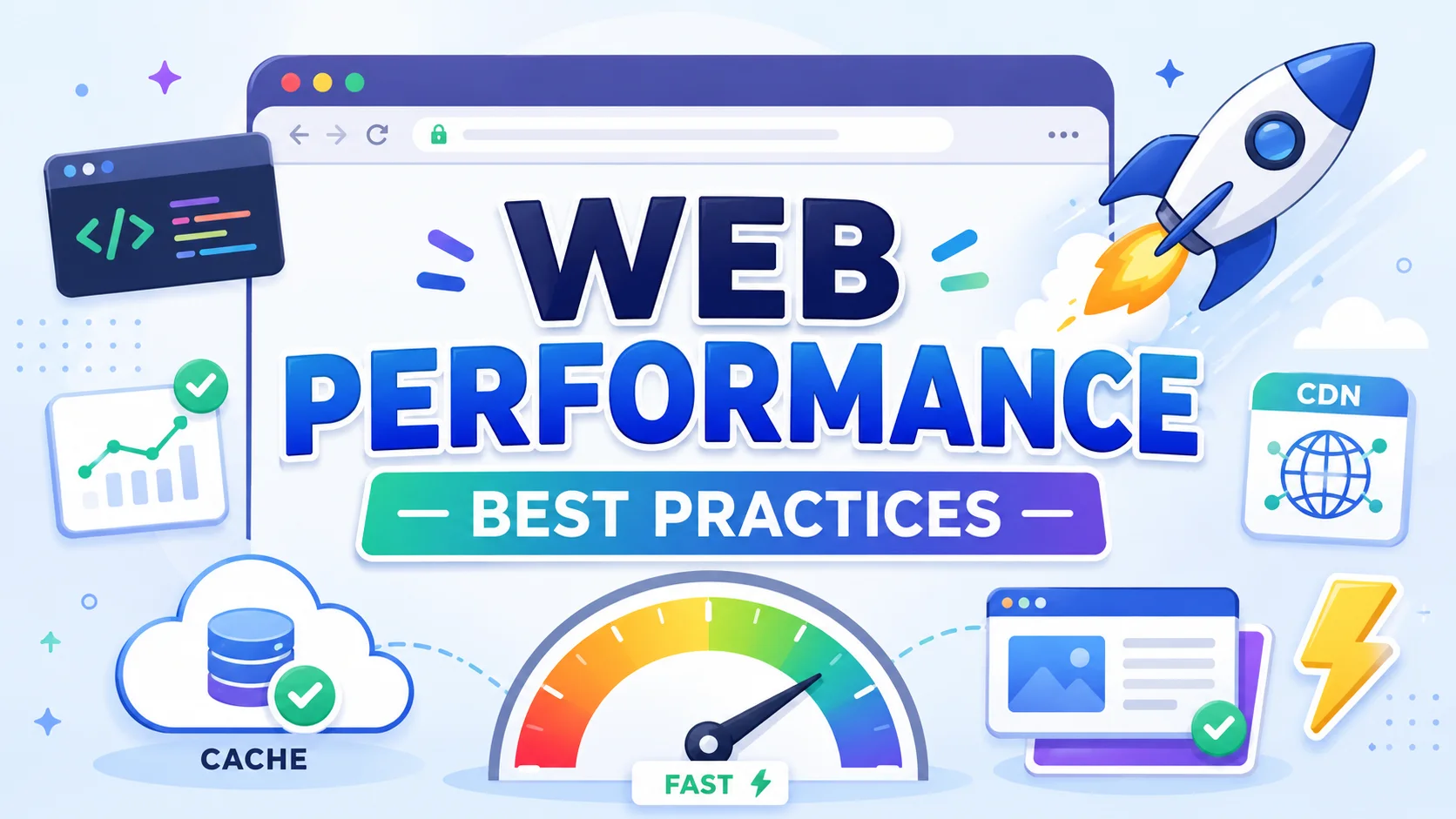
Web Performance Best Practices
Website speed is not a luxury — it is a critical business metric. The data is compelling:
Why Performance Matters
Website speed is not a luxury — it is a critical business metric. The data is compelling:
- Conversions — A 1-second delay in page load reduces conversions by 7% (Amazon estimated $1.6B in annual revenue loss per 100ms of latency).
- SEO — Google uses Core Web Vitals as ranking signals since 2021.
- User experience — 53% of mobile users abandon sites that take longer than 3 seconds to load.
- Accessibility — Faster sites work better on slow networks and older devices.
Every millisecond counts. This article covers comprehensive strategies to make your websites blazing fast.
1. Optimize Assets
Minification
Remove whitespace, comments, and unnecessary characters from HTML, CSS, and JavaScript. Modern build tools handle this automatically:
# Using Terser for JavaScript
npx terser input.js -o output.min.js --compress --mangle

# Using cssnano via PostCSS
npx postcss input.css -o output.min.css --use cssnano

# Using html-minifier
npx html-minifier input.html -o output.min.html --collapse-whitespace
Impact — Minification typically reduces file sizes by 30-60%.
Image Optimization
Images account for over 50% of page weight on most websites.
Modern formats:
- WebP — 25-35% smaller than JPEG with same quality. Supported in all modern browsers.
- AVIF — 50% smaller than JPEG. Based on AV1 video codec. Growing support.
- SVG — Vector format ideal for icons, logos, and illustrations.
Responsive images:
<img
  src="photo-800.jpg"
  srcset="photo-400.jpg 400w, photo-800.jpg 800w, photo-1200.jpg 1200w"
  sizes="(max-width: 600px) 100vw, 50vw"
  alt="Description"
  loading="lazy"
/>
Tools:
- Sharp (Node.js) — Server-side image processing.
- Squoosh — Browser-based image optimizer.
- ImageOptim — Lossless compression for production.
- Cloudinary / Imgix — CDN-based real-time image optimization.
Impact — Proper image optimization can reduce page weight by 60-80%.
Code Splitting and Tree Shaking
Code splitting breaks your JavaScript into chunks loaded on demand:
// React lazy loading
const Dashboard = React.lazy(() => import('./Dashboard'));

// Webpack dynamic import
import(/* webpackChunkName: "chart" */ './Chart').then(module => {
  module.renderChart();
});
Tree shaking eliminates dead code. Webpack, Rollup, and esbuild remove unused exports during bundling. Ensure you use ES modules (import/export) for tree shaking to work effectively.
2. Leverage Caching
Caching serves previously fetched resources from local storage, avoiding network requests entirely.
Browser Caching (HTTP Headers)
# Apache .htaccess
<FilesMatch "\.(ico|pdf|jpg|jpeg|png|gif|js|css|svg|woff2)$">
  Header set Cache-Control "public, max-age=31536000, immutable"
</FilesMatch>
# Nginx
location ~* \.(js|css|png|jpg|jpeg|gif|ico|svg|woff2)$ {
    expires 1y;
    add_header Cache-Control "public, immutable";
}
For HTML files use shorter cache times (max-age=0, must-revalidate) or ETags for freshness validation.
Service Workers for Offline-First
Service workers act as a programmable network proxy in the browser:
// service-worker.js
const CACHE_NAME = 'v1';
const urlsToCache = ['/', '/styles.css', '/app.js'];

self.addEventListener('install', event => {
  event.waitUntil(
    caches.open(CACHE_NAME).then(cache => cache.addAll(urlsToCache))
  );
});

self.addEventListener('fetch', event => {
  event.respondWith(
    caches.match(event.request).then(response => {
      // Cache-first strategy for static assets
      return response || fetch(event.request);
    })
  );
});
Service worker caching strategies:
| Strategy | Use Case |
|---|---|
| Cache First | Static assets (images, CSS, JS) |
| Network First | API calls, dynamic content |
| Stale While Revalidate | News feeds, blog posts |
| Network Only | Forms, payment APIs |
CDN Edge Caching
A CDN (Content Delivery Network) caches content at geographically distributed edge servers. Popular providers:
- Cloudflare — Global network, DDoS protection, HTTP/3 support.
- Fastly — Real-time purge, VCL configuration.
- Akamai — Enterprise-grade, massive scale.
- AWS CloudFront — Deep AWS integration, Lambda@Edge.
Impact — CDN caching reduces server load by 80%+ and cuts latency by 50-80% for global users.
3. Reduce Render-Blocking Resources
HTML parsing pauses when the browser encounters <script> or <link rel="stylesheet"> tags. This blocks rendering.
Defer and Async
<!-- Async: download in parallel, execute as soon as downloaded -->
<script async src="analytics.js"></script>

<!-- Defer: download in parallel, execute in order after HTML parsing -->
<script defer src="app.js"></script>
Rule of thumb:
- Use
deferfor scripts that need DOM access and execution order. - Use
asyncfor independent scripts (analytics, ads). - Use neither for critical scripts that must execute immediately.
Critical CSS Inlining
Extract and inline CSS needed for above-the-fold content:
<head>
  <style>
    /* Inlined critical CSS */
    header { background: #333; color: white; }
    .hero { min-height: 80vh; display: flex; align-items: center; }
    /* ... only what's visible on initial load */
  </style>
  <!-- Deferred non-critical CSS -->
  <link rel="preload" href="styles.css" as="style" onload="this.onload=null;this.rel='stylesheet'">
</head>
Tools: Critical (Node.js), Penthouse, and webpack-critical generate inline CSS automatically.
Resource Hints
<!-- Preload critical resources early -->
<link rel="preload" href="hero-image.webp" as="image">

<!-- Preconnect to third-party origins -->
<link rel="preconnect" href="https://fonts.googleapis.com">
<link rel="preconnect" href="https://api.example.com">

<!-- Prefetch resources needed on the next page -->
<link rel="prefetch" href="next-page.html">
4. Optimize the Critical Rendering Path
The critical rendering path is the sequence of steps the browser takes to render a page. Optimizing it reduces time-to-interactive.
Server Response Time
- Keep Time to First Byte (TTFB) under 200ms.
- Use server-side caching (Varnish, Redis, Memcached).
- Choose fast hosting and databases.
- Use a CDN for static and cached dynamic content.
HTTP/2 and HTTP/3
| Protocol | Key Features |
|---|---|
| HTTP/1.1 | One request per connection (limited) |
| HTTP/2 | Multiplexing, server push, header compression, binary protocol |
| HTTP/3 | QUIC-based, zero-RTT connection, handles packet loss better |
HTTP/2 makes bundling less critical — you can serve many small files without the connection overhead of HTTP/1.1.
Compression
# Enable Brotli (preferred, ~20% better than Gzip)
brotli on;
brotli_types text/plain text/css application/json application/javascript;

# Fallback Gzip
gzip on;
gzip_types text/plain text/css application/json application/javascript;
gzip_min_length 1000;
gzip_vary on;
5. Core Web Vitals
Google's Core Web Vitals are the three metrics that most impact user experience:
LCP (Largest Contentful Paint) — Target: < 2.5s
Measures loading performance. The largest visible element (hero image, heading) must render quickly.
Optimization:
- Optimize and preload the LCP image.
- Minimize render-blocking resources.
- Use a CDN.
- Consider using
fetchpriority="high"on the LCP element:<img src="hero.webp" fetchpriority="high" alt="Hero">
FID (First Input Delay) — Target: < 100ms
Measures interactivity. Replaced by INP (Interaction to Next Paint) in 2024.
Optimization:
- Break up long JavaScript tasks (>50ms).
- Use Web Workers for heavy computation.
- Defer non-critical JavaScript.
CLS (Cumulative Layout Shift) — Target: < 0.1
Measures visual stability. Elements should not shift unexpectedly.
Optimization:
- Always set explicit
widthandheighton images and videos. - Reserve space for ads and embeds.
- Use
font-display: optionalfor custom fonts. - Avoid inserting content above existing content.
img, video {
  width: 100%;
  height: auto;
  aspect-ratio: 16 / 9;
}

/* Reserve space for dynamic content */
.ad-container {
  min-height: 250px;
}
6. Advanced Techniques
Lazy Loading
Native lazy loading is supported in all modern browsers:
<img src="photo.webp" loading="lazy" alt="Lazy loaded image">
<iframe src="map.html" loading="lazy"></iframe>
For older browsers, use intersection observer as fallback:
const observer = new IntersectionObserver(entries => {
  entries.forEach(entry => {
    if (entry.isIntersecting) {
      const img = entry.target;
      img.src = img.dataset.src;
      observer.unobserve(img);
    }
  });
});

document.querySelectorAll('img[data-src]').forEach(img => observer.observe(img));
Preconnect and DNS Prefetch
<!-- DNS prefetch resolves domain names early -->
<link rel="dns-prefetch" href="//fonts.googleapis.com">

<!-- Preconnect establishes full connection (DNS + TCP + TLS) -->
<link rel="preconnect" href="https://fonts.googleapis.com">
Font Optimization
/* Font-display controls how fonts render while loading */
@font-face {
  font-family: 'CustomFont';
  src: url('custom-font.woff2') format('woff2');
  font-display: swap; /* Show fallback text immediately */
}

/* Subset fonts to include only needed characters */
/* Use variable fonts for multiple weights in one file */
Tools for Measurement
| Tool | Type | Best For |
|---|---|---|
| Lighthouse | Lab | Auditing and recommendations |
| PageSpeed Insights | Lab + Field | Google-specific metrics |
| WebPageTest | Lab | Detailed waterfall analysis |
| Chrome DevTools | Lab | Network, performance, coverage |
| Sentry Performance | RUM | Real user monitoring |
| Datadog RUM | RUM | End-to-end performance tracking |
| Calibre | Continuous | Performance budgets and CI |
| Lighthouse CI | CI | Preventing regressions |
Performance Budgets
Set a performance budget to prevent regressions:
{
  "budgets": [
    {
      "resourceType": "total",
      "budget": 500000
    },
    {
      "resourceType": "script",
      "budget": 150000
    },
    {
      "resourceType": "image",
      "budget": 200000
    },
    {
      "timing": {
        "metric": "interactive"
      },
      "budget": 5000
    }
  ]
}
Conclusion
Web performance is a continuous discipline. Start with the highest-impact items:
- Measure your current baseline — Use Lighthouse and WebPageTest.
- Optimize images — Largest quick win for most sites.
- Enable caching and compression — Easy wins with high ROI.
- Eliminate render-blocking resources — Defer JS and inline critical CSS.
- Monitor Core Web Vitals — Track in the field, not just the lab.
Performance optimization is never "done" — it requires ongoing attention, but the return on investment in user satisfaction, conversions, and SEO is substantial.
Featured Articles
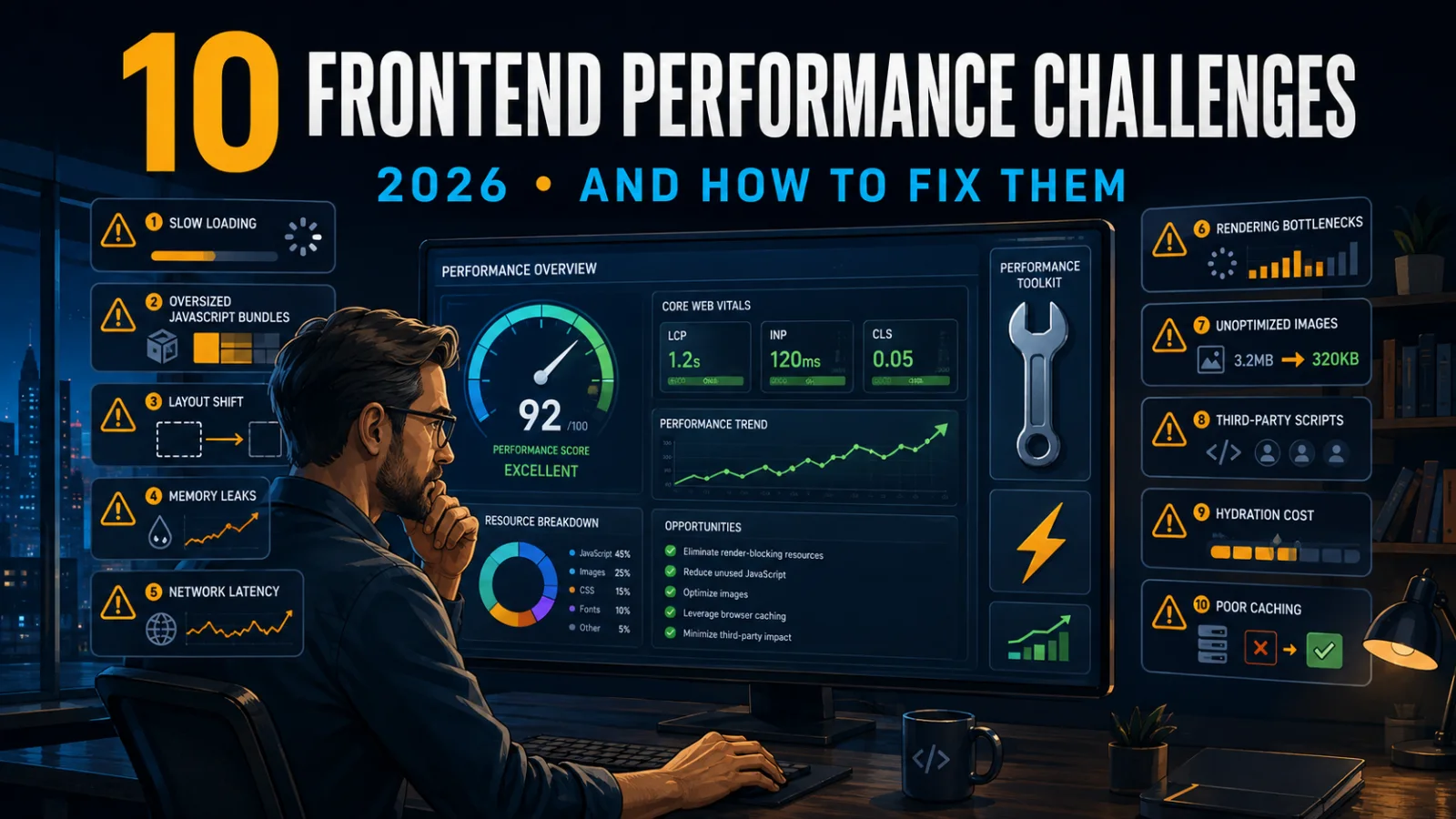
The 10 Largest Frontend Performance Challenges in 2026 (And How to Fix Them)

Should I Use React or Next.js? Complete Comparison Guide 2026

Build an Offline-First SaaS with Laravel & React: Complete PWA Tutorial 2026
Comments
0 commentsNo approved comments are visible yet. New community replies may wait for moderation.