Containerization with Docker and Kubernetes
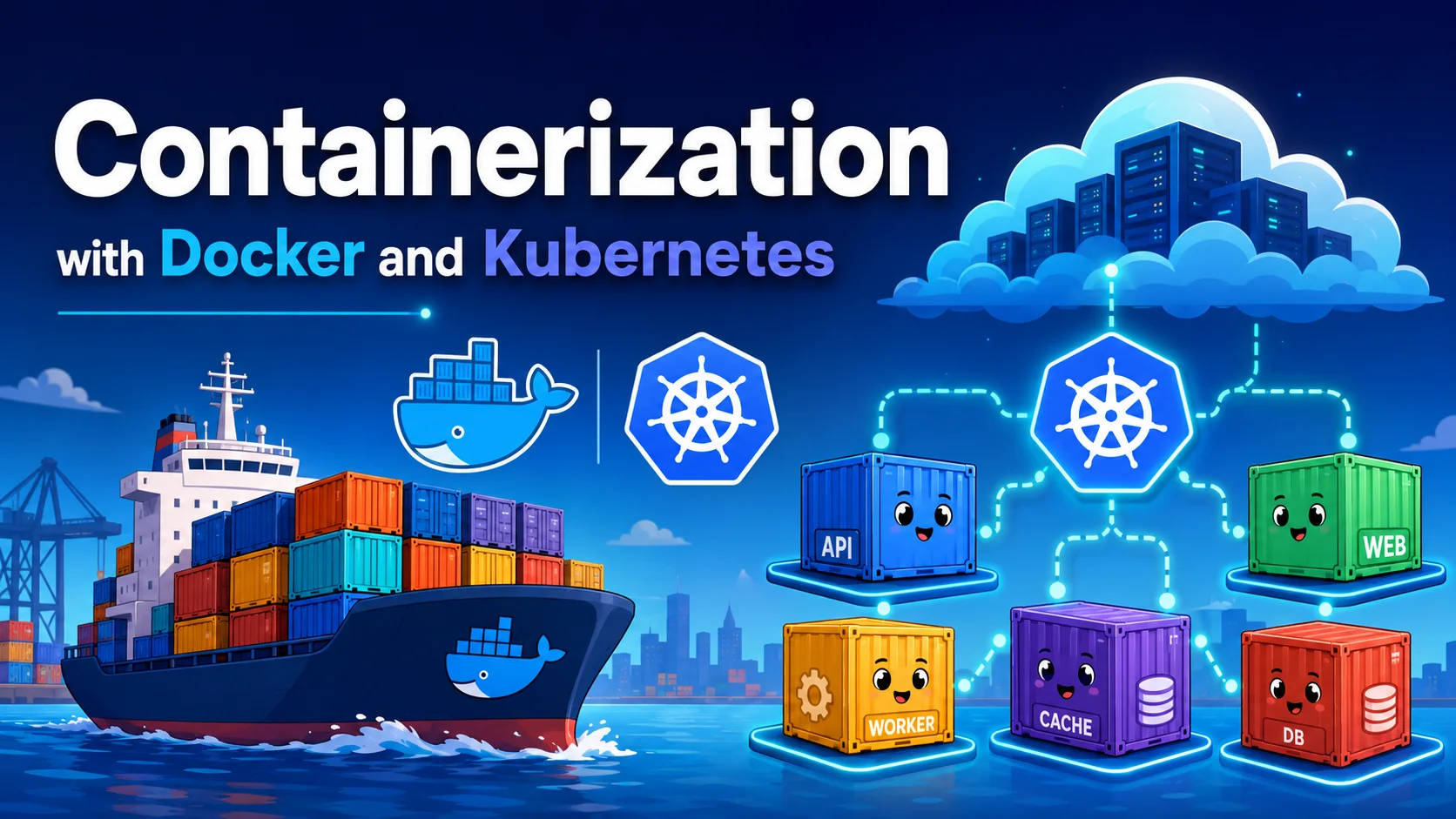
Containerization has revolutionized how we build, ship, and run software. By packaging applications with their dependencies into lightweight, portable units, containers solve the "it works on my machine" problem and enable consistent deployment across development, testing, and production environments.
Introduction
Containerization has revolutionized how we build, ship, and run software. By packaging applications with their dependencies into lightweight, portable units, containers solve the "it works on my machine" problem and enable consistent deployment across development, testing, and production environments.
Docker made containers accessible. Kubernetes made them manageable at scale. Together, they form the backbone of modern cloud-native application deployment.
What Are Containers?
Containers vs. Virtual Machines
┌───────────────────────┐  ┌───────────────────────┐
│    Virtual Machine     │  │      Container         │
├───────────────────────┤  ├───────────────────────┤
│  ┌─────────────────┐  │  │  ┌─────────────────┐  │
│  │   Application   │  │  │  │   Application   │  │
│  ├─────────────────┤  │  │  ├─────────────────┤  │
│  │   Guest OS      │  │  │  │   Dependencies   │  │
│  │   (full kernel) │  │  │  ├─────────────────┤  │
│  ├─────────────────┤  │  │  │   Container      │  │
│  │   Hypervisor    │  │  │  │   Runtime        │  │
│  ├─────────────────┤  │  │  ├─────────────────┤  │
│  │   Host OS       │  │  │  │   Host OS        │  │
│  └─────────────────┘  │  │  │   Kernel (shared)│  │
└───────────────────────┘  │  └─────────────────┘  │
                           └───────────────────────┘
| Feature | VM | Container |
|---|---|---|
| Boot time | Minutes | Milliseconds |
| Size | GBs | MBs |
| OS overhead | Full OS per VM | Shared kernel |
| Isolation | Strong (hardware-level) | Process-level |
| Performance | Near-native | Near-native |
| Portability | Good | Excellent |
| Density | Low (10-100 per host) | High (100-1000 per host) |
Docker: The Container Platform
Key Concepts
| Concept | Description |
|---|---|
| Image | A read-only template with instructions for creating a container |
| Container | A runnable instance of an image |
| Dockerfile | A text file with instructions to build an image |
| Registry | Storage and distribution for images (Docker Hub, ECR, GCR) |
| Volume | Persistent data storage outside the container filesystem |
| Network | Communication between containers and the outside world |
| Compose | Define and run multi-container applications |
Dockerfile Best Practices
# 1. Use specific base images (not 'latest')
FROM node:20-alpine AS builder

# 2. Set working directory
WORKDIR /app

# 3. Copy dependency files first (leverage layer caching)
COPY package*.json ./
RUN npm ci --production

# 4. Copy application code last
COPY . .

# 5. Use multi-stage builds
FROM node:20-alpine AS production
COPY --from=builder /app/node_modules ./node_modules
COPY --from=builder /app/dist ./dist

# 6. Run as non-root user
RUN addgroup -S appgroup && adduser -S appuser -G appgroup
USER appuser

# 7. Expose only necessary ports
EXPOSE 3000

# 8. Use exec form of CMD
CMD ["node", "dist/server.js"]
Docker Commands Cheat Sheet
# Build image
docker build -t myapp:1.0 .

# Run container
docker run -d --name myapp -p 3000:3000 myapp:1.0

# Execute command in running container
docker exec -it myapp bash

# View logs
docker logs -f myapp

# List containers
docker ps -a

# Stop and remove
docker stop myapp && docker rm myapp

# Volumes (persistent data)
docker volume create data-volume
docker run -v data-volume:/app/data myapp:1.0

# Compose (multi-service)
docker compose up -d
docker compose logs -f
docker compose down
Docker Networking
# docker-compose.yml
version: '3.8'
services:
  web:
    image: myapp:latest
    ports:
      - "3000:3000"
    networks:
      - frontend
      - backend
    depends_on:
      - api
      - db

  api:
    image: api:latest
    networks:
      - backend
    environment:
      - DB_HOST=db

  db:
    image: postgres:16-alpine
    volumes:
      - postgres_data:/var/lib/postgresql/data
    networks:
      - backend
    environment:
      POSTGRES_PASSWORD_FILE: /run/secrets/db_password
    secrets:
      - db_password

networks:
  frontend:
  backend:

volumes:
  postgres_data:

secrets:
  db_password:
    file: ./secrets/db_password.txt
Kubernetes: Container Orchestration
Kubernetes (K8s) automates deployment, scaling, and management of containerized applications across a cluster.
Architecture
┌──────────────────────────────────────────────┐
│            Kubernetes Control Plane          │
│  ┌──────────┐ ┌──────────┐ ┌──────────────┐ │
│  │ API      │ │ Scheduler│ │ Controller   │ │
│  │ Server   │ │          │ │ Manager      │ │
│  └──────────┘ └──────────┘ └──────────────┘ │
│  ┌─────────────────────────────────────────┐│
│  │ etcd (distributed key-value store)      ││
│  └─────────────────────────────────────────┘│
└─────────────────┬────────────────────────────┘
                  │
┌─────────────────▼────────────────────────────┐
│                Worker Nodes                   │
│  ┌──────────────────────────────────────────┐│
│  │ Node 1                                   ││
│  │  ┌──────┐ ┌──────┐ ┌──────┐             ││
│  │  │ Pod  │ │ Pod  │ │ Pod  │             ││
│  │  └──────┘ └──────┘ └──────┘             ││
│  │  ┌────────────────────────────────────┐ ││
│  │  │ kubelet ││ kube-proxy ││ container │ ││
│  │  │         ││            ││  runtime  │ ││
│  │  └────────────────────────────────────┘ ││
│  └──────────────────────────────────────────┘│
│  ┌──────────────────────────────────────────┐│
│  │ Node 2 (same structure)                  ││
│  └──────────────────────────────────────────┘│
└──────────────────────────────────────────────┘
Core Kubernetes Objects
Pod — Smallest Deployable Unit
apiVersion: v1
kind: Pod
metadata:
  name: myapp-pod
  labels:
    app: myapp
    tier: frontend
spec:
  containers:
    - name: myapp-container
      image: nginx:1.25
      ports:
        - containerPort: 80
      resources:
        requests:
          memory: "128Mi"
          cpu: "250m"
        limits:
          memory: "256Mi"
          cpu: "500m"
Deployment — Declarative Pod Management
apiVersion: apps/v1
kind: Deployment
metadata:
  name: myapp-deployment
spec:
  replicas: 3
  selector:
    matchLabels:
      app: myapp
  template:
    metadata:
      labels:
        app: myapp
    spec:
      containers:
        - name: myapp
          image: myapp:1.0
          ports:
            - containerPort: 3000
          livenessProbe:
            httpGet:
              path: /health
              port: 3000
            initialDelaySeconds: 5
            periodSeconds: 10
          readinessProbe:
            httpGet:
              path: /ready
              port: 3000
            initialDelaySeconds: 3
            periodSeconds: 5
  strategy:
    type: RollingUpdate
    rollingUpdate:
      maxUnavailable: 1
      maxSurge: 1
Service — Stable Network Access
apiVersion: v1
kind: Service
metadata:
  name: myapp-service
spec:
  selector:
    app: myapp
  ports:
    - port: 80
      targetPort: 3000
      protocol: TCP
  type: ClusterIP  # Internal access only
---
# For external access:
apiVersion: v1
kind: Service
metadata:
  name: myapp-loadbalancer
spec:
  selector:
    app: myapp
  ports:
    - port: 80
      targetPort: 3000
  type: LoadBalancer
Ingress — HTTP/HTTPS Routing
apiVersion: networking.k8s.io/v1
kind: Ingress
metadata:
  name: myapp-ingress
  annotations:
    nginx.ingress.kubernetes.io/rewrite-target: /
spec:
  rules:
    - host: myapp.example.com
      http:
        paths:
          - path: /api
            pathType: Prefix
            backend:
              service:
                name: api-service
                port:
                  number: 80
          - path: /
            pathType: Prefix
            backend:
              service:
                name: web-service
                port:
                  number: 80
ConfigMap and Secret — Configuration
apiVersion: v1
kind: ConfigMap
metadata:
  name: app-config
data:
  APP_ENV: production
  DB_HOST: postgres-service
  LOG_LEVEL: info
---
apiVersion: v1
kind: Secret
metadata:
  name: app-secrets
type: Opaque
data:
  DB_PASSWORD: c3VwZXJzZWNyZXQ=  # base64 encoded
Deploying an Application
# Apply configurations
kubectl apply -f deployment.yaml
kubectl apply -f service.yaml
kubectl apply -f ingress.yaml

# Check status
kubectl get pods
kubectl get deployments
kubectl get services
kubectl get ingress

# View logs
kubectl logs -f deployment/myapp-deployment

# Scale
kubectl scale deployment/myapp-deployment --replicas=5

# Rollout update
kubectl set image deployment/myapp-deployment myapp=myapp:2.0
kubectl rollout status deployment/myapp-deployment

# Rollback if needed
kubectl rollout undo deployment/myapp-deployment
Kubernetes Advanced Features
Horizontal Pod Autoscaler (HPA)
apiVersion: autoscaling/v2
kind: HorizontalPodAutoscaler
metadata:
  name: myapp-hpa
spec:
  scaleTargetRef:
    apiVersion: apps/v1
    kind: Deployment
    name: myapp-deployment
  minReplicas: 3
  maxReplicas: 20
  metrics:
    - type: Resource
      resource:
        name: cpu
        target:
          type: Utilization
          averageUtilization: 70
    - type: Resource
      resource:
        name: memory
        target:
          type: Utilization
          averageUtilization: 80
Persistent Volumes
apiVersion: v1
kind: PersistentVolumeClaim
metadata:
  name: data-claim
spec:
  accessModes:
    - ReadWriteOnce
  resources:
    requests:
      storage: 10Gi
  storageClassName: standard
---
apiVersion: v1
kind: Pod
metadata:
  name: postgres
spec:
  containers:
    - name: postgres
      image: postgres:16-alpine
      volumeMounts:
        - mountPath: /var/lib/postgresql/data
          name: postgres-storage
  volumes:
    - name: postgres-storage
      persistentVolumeClaim:
        claimName: data-claim
Namespaces
# Create namespaces for environment isolation
kubectl create namespace dev
kubectl create namespace staging
kubectl create namespace production

# Deploy to specific namespace
kubectl apply -f deployment.yaml -n production

# Resource quotas per namespace
kubectl create quota prod-quota --hard=cpu=40,memory=80Gi,pods=50 -n production
Docker vs. Kubernetes — When to Use What
| Scenario | Docker Alone | Add Kubernetes |
|---|---|---|
| Local development | ✅ Yes | ❌ Overkill |
| Single server deployment | ✅ Yes | ❌ Overkill |
| 2-3 microservices | ✅ Docker Compose | ❌ Usually overkill |
| High availability required | ❌ Manual failover | ✅ Auto-healing |
| Auto-scaling needed | ❌ Manual | ✅ HPA |
| Multi-node cluster | ❌ Limited | ✅ Built-in |
| Rolling updates | ❌ Manual | ✅ Built-in |
| Canary deployments | ❌ Complex | ✅ Native support |
| Multi-cloud | ❌ Not portable | ✅ Portable |
Decision framework:
- Start with Docker — Always. Containers are the foundation.
- Use Docker Compose — For local dev, CI, and single-host deployments.
- Adopt Kubernetes when: You need HA, scaling, multi-node, or complex orchestration.
- Use managed Kubernetes (EKS, AKS, GKE) — Avoid self-managing the control plane.
Best Practices
Image Building
- Use specific base image tags (
node:20-alpine, notnode:latest). - Implement multi-stage builds to minimize image size.
- Scan images for vulnerabilities:
docker scan myapp:1.0. - Sign images:
cosign sign --key cosign.key myapp:1.0.
Security
- Run containers as non-root users.
- Set read-only root filesystem:
readOnlyRootFilesystem: true. - Use secrets for sensitive data, not environment variables.
- Implement network policies to restrict traffic between pods.
- Enable RBAC for Kubernetes API access.
Resource Management
- Always set resource requests and limits.
- Use resource quotas per namespace.
- Implement HPA for automatic scaling.
- Use PodDisruptionBudget for availability during maintenance.
Monitoring and Observability
# Sidecar pattern for logging
spec:
  containers:
    - name: app
      image: myapp:latest
    - name: log-collector
      image: fluentd:latest
      volumeMounts:
        - name: logs
          mountPath: /var/log/app
CI/CD Pipeline
# GitHub Actions — Build + Deploy to Kubernetes
name: CI/CD
on:
  push:
    branches: [main]
jobs:
  deploy:
    runs-on: ubuntu-latest
    steps:
      - uses: actions/checkout@v4
      - name: Build Docker image
        run: docker build -t registry.example.com/myapp:${{ github.sha }} .
      - name: Push to registry
        run: docker push registry.example.com/myapp:${{ github.sha }}
      - name: Deploy to Kubernetes
        run: |
          kubectl set image deployment/myapp-deployment \
            myapp=registry.example.com/myapp:${{ github.sha }}
The Ecosystem
| Category | Tools |
|---|---|
| Container Runtime | Docker, containerd, CRI-O |
| Orchestration | Kubernetes, Nomad, Docker Swarm |
| Package Manager | Helm, Kustomize |
| Service Mesh | Istio, Linkerd, Cilium |
| Monitoring | Prometheus + Grafana, Datadog |
| Logging | ELK Stack, Grafana Loki, Fluentd |
| Security | Trivy, Falco, OPA/Gatekeeper, Kyverno |
| GitOps | ArgoCD, Flux |
| Developer Tooling | Skaffold, Tilt, DevSpace |
| Storage | Rook/Ceph, Longhorn, Portworx |
| Serverless on K8s | Knative, OpenFaaS, KEDA |
Conclusion
Docker and Kubernetes together provide a powerful platform for building, deploying, and scaling modern applications:
- Start with Docker — Containerize applications, master Dockerfiles and Compose.
- Learn Kubernetes fundamentals — Pods, Deployments, Services, ConfigMaps.
- Use managed Kubernetes — Let cloud providers handle the control plane.
- Adopt GitOps — ArgoCD or Flux for declarative, version-controlled deployments.
- Invest in observability — Monitoring, logging, and tracing are essential at scale.
The investment in learning containerization and orchestration pays dividends in deployment reliability, operational efficiency, and application portability across environments.
Featured Articles
The 10 Largest Frontend Performance Challenges in 2026 (And How to Fix Them)
Should I Use React or Next.js? Complete Comparison Guide 2026
Build an Offline-First SaaS with Laravel & React: Complete PWA Tutorial 2026
Comments
0 commentsNo approved comments are visible yet. New community replies may wait for moderation.