Article
Automate Invoice Data Extraction with OCR

Build a review-first pipeline that reads invoices, extracts fields, and flags uncertain values.
8 min readLanguage: EN EnglishFree0 claps0 comments
Reading options
# Automate Invoice Data Extraction with OCR
## 1. Normalize the document
Convert uploads to images or searchable PDF pages. Store the original file and a clean preview so reviewers can compare extracted values.
## 2. Extract structured fields
Ask OCR for vendor, invoice number, issue date, currency, subtotal, tax, and total. Keep confidence scores beside every field.
## 3. Route uncertain results
Send low-confidence rows to a human review queue instead of writing them directly into accounting records.
## Checklist
- Confirm the input data is safe to process.
- Keep a human review path for uncertain results.
- Measure the workflow before adding more automation.
The reliable version is not fully automatic. It is automatic for easy invoices and fast for hard invoices.
Featured Articles
5 minFree
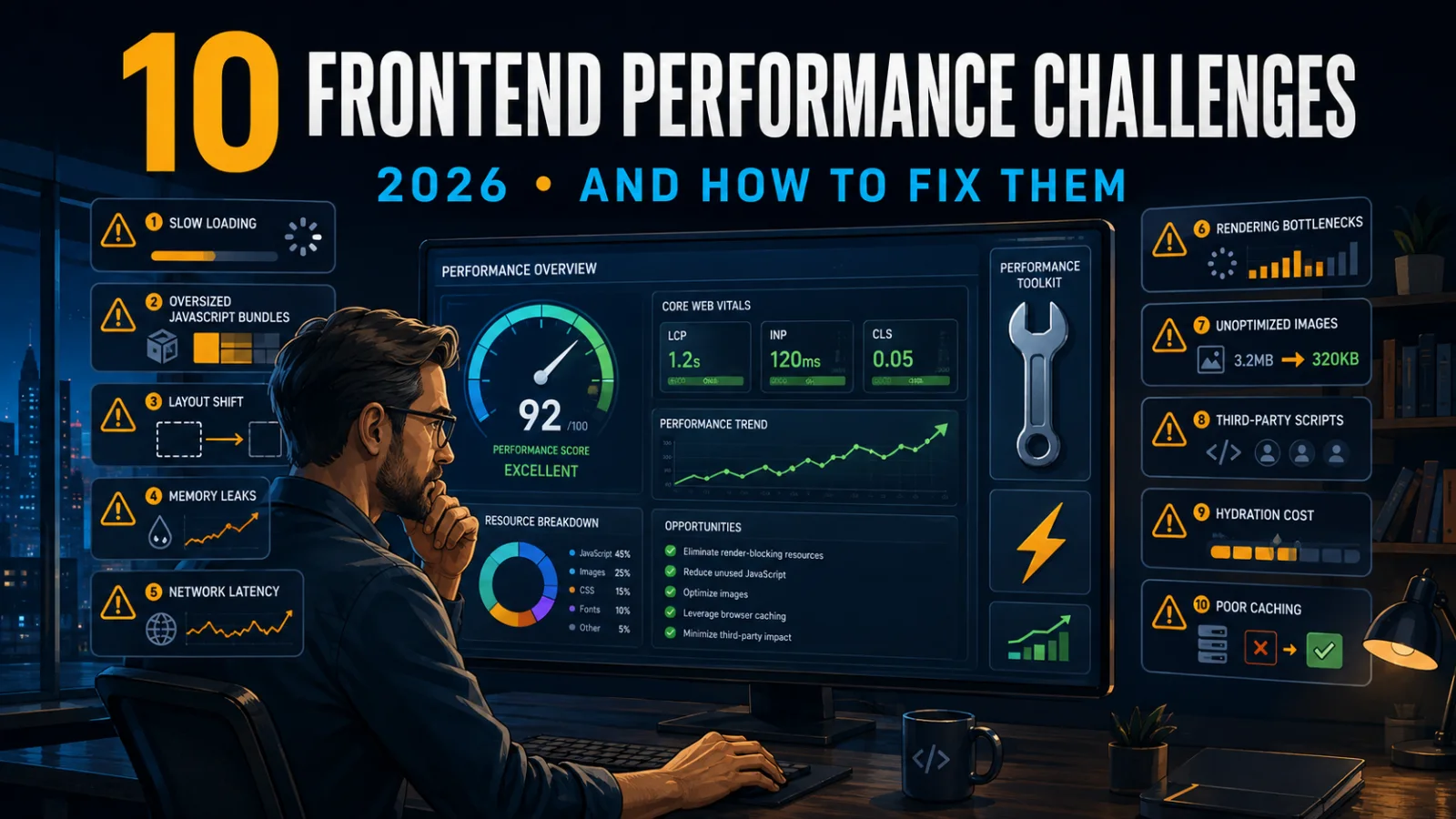
The 10 Largest Frontend Performance Challenges in 2026 (And How to Fix Them)
TechnologyWebWeb Development

13 minFree
Should I Use React or Next.js? Complete Comparison Guide 2026
TechnologyNext.jsReactReact.js

5 minFree
Build an Offline-First SaaS with Laravel & React: Complete PWA Tutorial 2026
TechnologyWebLaravelProgramming
Comments
0 commentsNo approved comments are visible yet. New community replies may wait for moderation.