Python-Programmier-Tutorial für absolute Anfänger
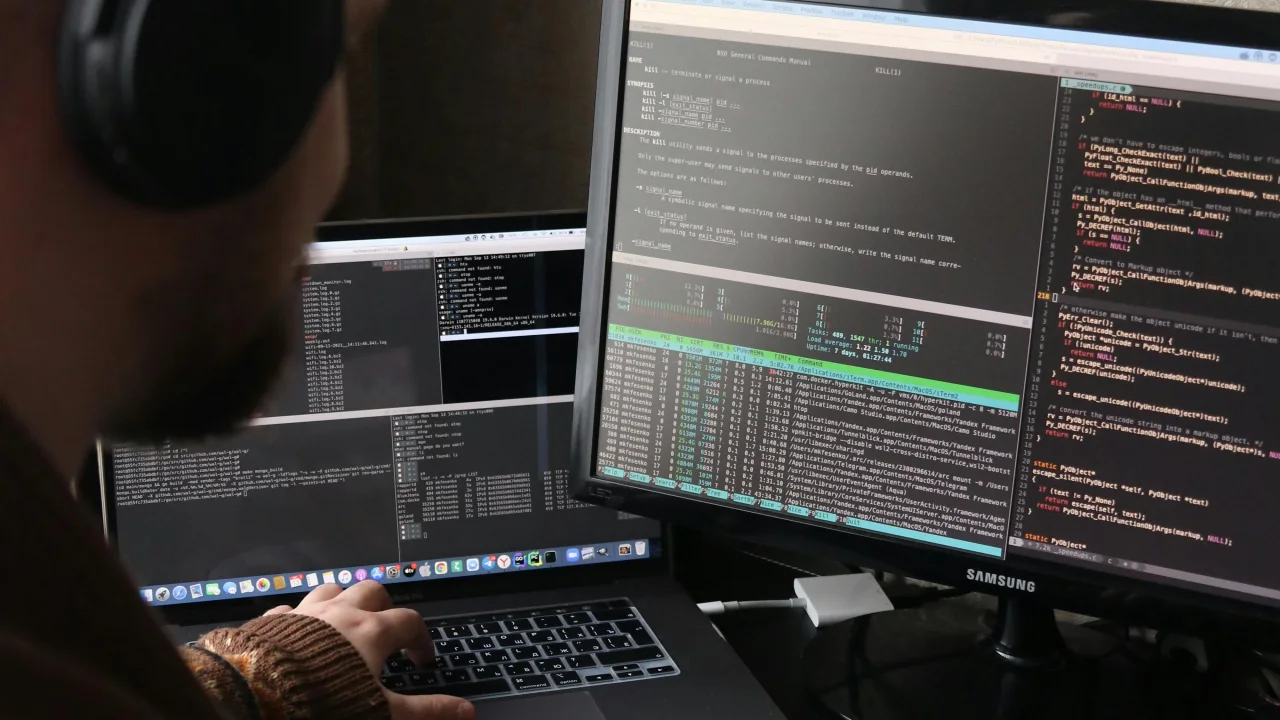
Python ist die beste Sprache für Anfänger. Es liest sich wie Englisch, übernimmt die Komplexität für Sie und wird überall verwendet – von der Webentwicklung über KI bis hin zu Datenwissenschaft.
Warum Python?
Python ist die beste Sprache für Anfänger. Es liest sich wie Englisch, übernimmt die Komplexität für Sie und wird überall verwendet – von der Webentwicklung über KI bis hin zu Datenwissenschaft.
Lektion 1: Ihr erstes Programm
Installieren Sie Python
- Gehen Sie zu python.org
- Laden Sie Version 3.12+ herunter
- Führen Sie das Installationsprogramm aus (aktivieren Sie unter Windows die Option „Python zu PATH hinzufügen“).
Hallo, Welt!
Erstellen Sie eine Datei mit dem Namen „hello.py“:
print("Hello, World!")
Führen Sie es aus:
python hello.py
Sie haben gerade Ihr erstes Programm geschrieben. print() zeigt Text auf dem Bildschirm an.
Lektion 2: Variablen und Datentypen
Variablen speichern Daten:
# String (text)
name = "Alice"
greeting = 'Hello, World!'

# Integer (whole number)
age = 25
year = 2026

# Float (decimal number)
price = 19.99
pi = 3.14159

# Boolean (True or False)
is_student = True
has_graduated = False

# Print them
print(name)        # Alice
print(age + 5)     # 30
print(type(age))   # <class 'int'>
Benennungsregeln
- Verwenden Sie Buchstaben, Zahlen und Unterstriche
- Kann nicht mit einer Zahl beginnen
- Groß-/Kleinschreibung beachten („Name“ ≠ „Name“)
- Verwenden Sie „snake_case“ für Variablennamen
Lektion 3: Mit Text arbeiten
# Combining strings
first = "John"
last = "Doe"
full = first + " " + last
print(full)  # John Doe

# f-strings (best way)
age = 30
print(f"My name is {full} and I am {age} years old.")
# My name is John Doe and I am 30 years old.

# String methods
text = "  Hello, Python!  "
print(text.lower())          # "  hello, python!  "
print(text.upper())          # "  HELLO, PYTHON!  "
print(text.strip())          # "Hello, Python!"
print(text.replace("o", "0"))  # "  Hell0, Pyth0n!  "
print(len(text))             # 18 (includes spaces)
Lektion 4: Zahlen und Mathematik
# Basic operations
print(5 + 3)    # 8
print(10 - 4)   # 6
print(3 * 4)    # 12
print(10 / 3)   # 3.333... (always gives float)
print(10 // 3)  # 3 (integer division, no decimal)
print(10 % 3)   # 1 (remainder / modulo)
print(2 ** 3)   # 8 (exponent: 2³)

# Useful math functions
print(round(3.14159, 2))  # 3.14
print(abs(-5))            # 5
print(max(3, 7, 2))       # 7
print(min(3, 7, 2))       # 2
print(sum([1, 2, 3, 4]))  # 10
Lektion 5: Listen (Elementsammlungen)
# Creating lists
fruits = ["apple", "banana", "cherry"]
numbers = [1, 2, 3, 4, 5]
mixed = ["hello", 42, True, 3.14]

# Accessing items (index starts at 0)
print(fruits[0])     # "apple"
print(fruits[-1])    # "cherry" (last item)
print(fruits[1:3])   # ["banana", "cherry"] (slicing)

# Modifying lists
fruits.append("orange")  # Add to end
fruits.insert(1, "grape")  # Insert at position
fruits.remove("banana")  # Remove by value
last = fruits.pop()      # Remove and return last item
print(len(fruits))       # How many items

# Looping through a list
for fruit in fruits:
    print(fruit)
Lektion 6: Wenn-Aussagen (Entscheidungen treffen)
age = 18

if age >= 18:
    print("You can vote!")
elif age >= 16:
    print("You can drive!")
else:
    print("Too young.")

# Comparison operators
# ==  (equal to)
# !=  (not equal to)
# >   (greater than)
# <   (less than)
# >=  (greater than or equal)
# <=  (less than or equal)

# Logical operators
temperature = 75
is_raining = False

if temperature > 70 and not is_raining:
    print("Perfect day for a walk!")
elif temperature > 70 and is_raining:
    print("Warm but wet. Bring an umbrella.")
Lektion 7: Schleifen (Dinge wiederholt tun)
For-Schleife
# Loop through a range of numbers
for i in range(5):          # 0, 1, 2, 3, 4
    print(i)

for i in range(1, 6):      # 1, 2, 3, 4, 5
    print(i)

# Loop through a list
colors = ["red", "green", "blue"]
for color in colors:
    print(f"The color is {color}")
While-Schleife
count = 0
while count < 5:
    print(f"Count is {count}")
    count += 1  # Increment (same as: count = count + 1)

# Be careful! This loop never ends:
# while True:
#     print("Infinite loop!")
Lektion 8: Funktionen (wiederverwendbarer Code)
# Define a function
def greet(name):
    return f"Hello, {name}!"

# Call the function
message = greet("Alice")
print(message)  # Hello, Alice!

# Function with multiple parameters
def calculate_total(price, tax_rate):
    tax = price * tax_rate
    total = price + tax
    return round(total, 2)

print(calculate_total(29.99, 0.08))  # 32.39

# Function with default parameter
def greet_with_title(name, title="Mr."):
    return f"Hello, {title} {name}"

print(greet_with_title("Smith"))        # Hello, Mr. Smith
print(greet_with_title("Jones", "Dr."))  # Hello, Dr. Jones
Lektion 9: Wörterbücher (Schlüssel-Wert-Paare)
# Creating a dictionary
person = {
    "name": "Alice",
    "age": 30,
    "city": "New York",
    "is_student": False
}

# Accessing values
print(person["name"])      # Alice
print(person.get("age"))   # 30 (safer — returns None if missing)

# Modifying
person["age"] = 31
person["job"] = "Engineer"  # Adds new key-value

# Looping through dictionary
for key, value in person.items():
    print(f"{key}: {value}")

# Check if key exists
if "name" in person:
    print("Name exists!")
Lektion 10: Ihr erstes Miniprojekt
Lassen Sie uns eine To-Do-Liste erstellen:
# todo.py — A simple to-do list
tasks = []

def show_menu():
    print("\n=== To-Do List ===")
    print("1. View tasks")
    print("2. Add task")
    print("3. Remove task")
    print("4. Quit")

def view_tasks():
    if not tasks:
        print("No tasks yet!")
    else:
        for i, task in enumerate(tasks, 1):
            print(f"{i}. {task}")

def add_task():
    task = input("Enter task: ")
    tasks.append(task)
    print(f"Added: {task}")

def remove_task():
    view_tasks()
    if tasks:
        try:
            num = int(input("Task number to remove: "))
            if 1 <= num <= len(tasks):
                removed = tasks.pop(num - 1)
                print(f"Removed: {removed}")
            else:
                print("Invalid number!")
        except ValueError:
            print("Please enter a number!")

# Main loop
while True:
    show_menu()
    choice = input("Choose an option: ")

    if choice == "1":
        view_tasks()
    elif choice == "2":
        add_task()
    elif choice == "3":
        remove_task()
    elif choice == "4":
        print("Goodbye!")
        break
    else:
        print("Invalid choice!")
Führen Sie es aus: „python todo.py“.
Was Sie als Nächstes lernen sollten
| Thema | Warum lernen |
|---|---|
| Klassen und OOP | Strukturieren Sie größere Programme |
| Datei-E/A | Dateien lesen/schreiben |
| Bibliotheken | Verwenden Sie „Import“, um leistungsstarke Funktionen hinzuzufügen |
| Fehlerbehandlung | „try/exclusive“-Blöcke |
| APIs | Stellen Sie über „Anfragen“ eine Verbindung zu Webdiensten her |
| Web-Frameworks | Flask oder Django für Web-Apps |
| Datenwissenschaft | Pandas, NumPy für die Datenanalyse |
Kostenlose Ressourcen zum Fortfahren
- docs.python.org – Offizielle Dokumentation
- Automatisieren Sie langweilige Dinge mit Python (Buch) – Kostenlos online
- Codecademy-Python-Kurs – Interaktive, kostenlose Stufe
- Übungs-Python-Track – Übungsherausforderungen
Empfohlene Artikel
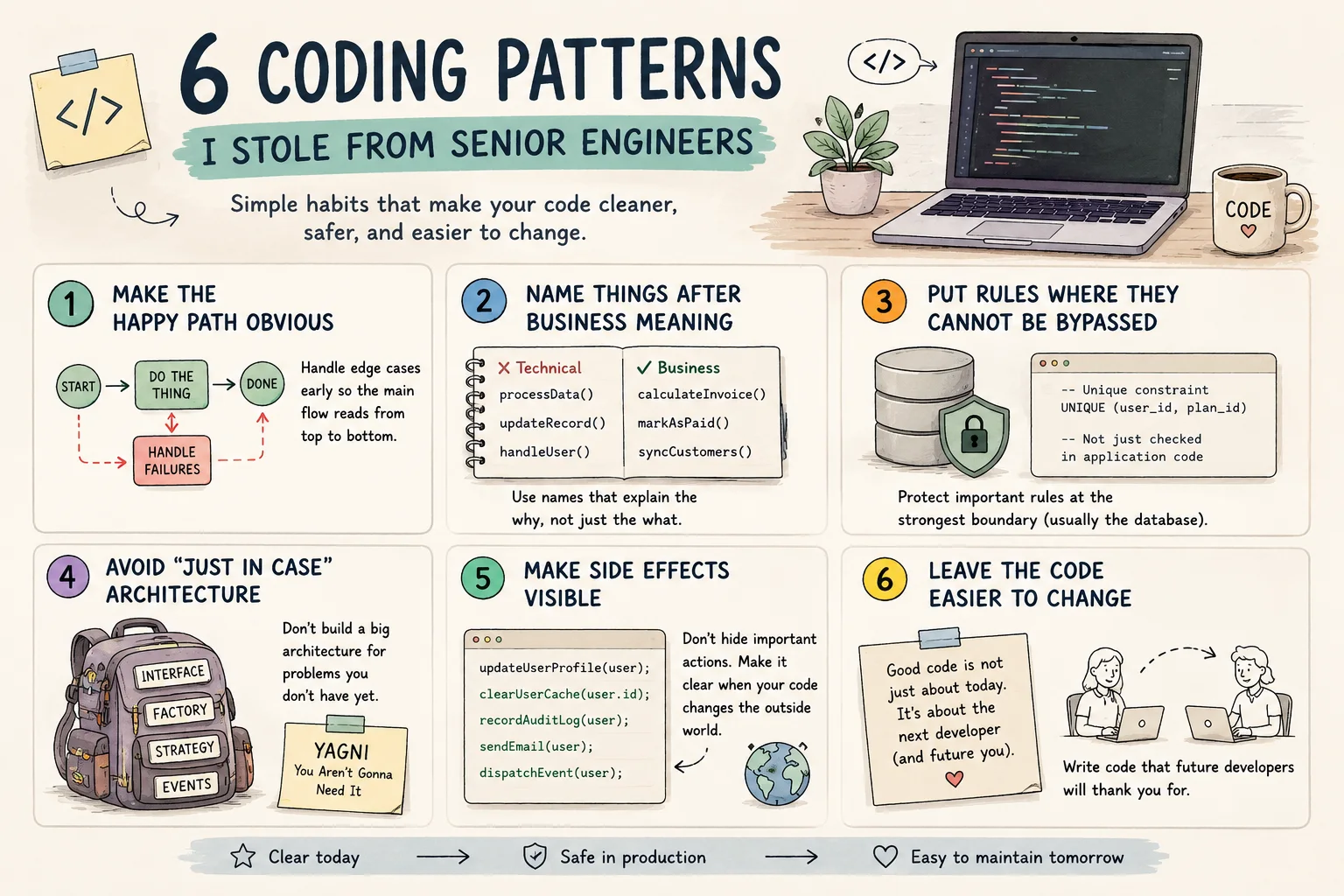
6 Coding-Patterns, die ich von Senior Engineers gelernt habe

Einen privaten KI-Assistenten für Notizen bauen
Mache aus Markdown-Notizen einen durchsuchbaren Assistenten, ohne private Entwürfe offenzulegen.

Rechnungsdaten mit OCR automatisiert auslesen
Baue eine Pipeline, die Rechnungen liest, Felder extrahiert und unsichere Werte markiert.
Kommentare
0 KommentareNoch keine freigegebenen Kommentare sichtbar. Neue Antworten können moderiert werden.