مقال
دروس برمجة بايثون للمبتدئين
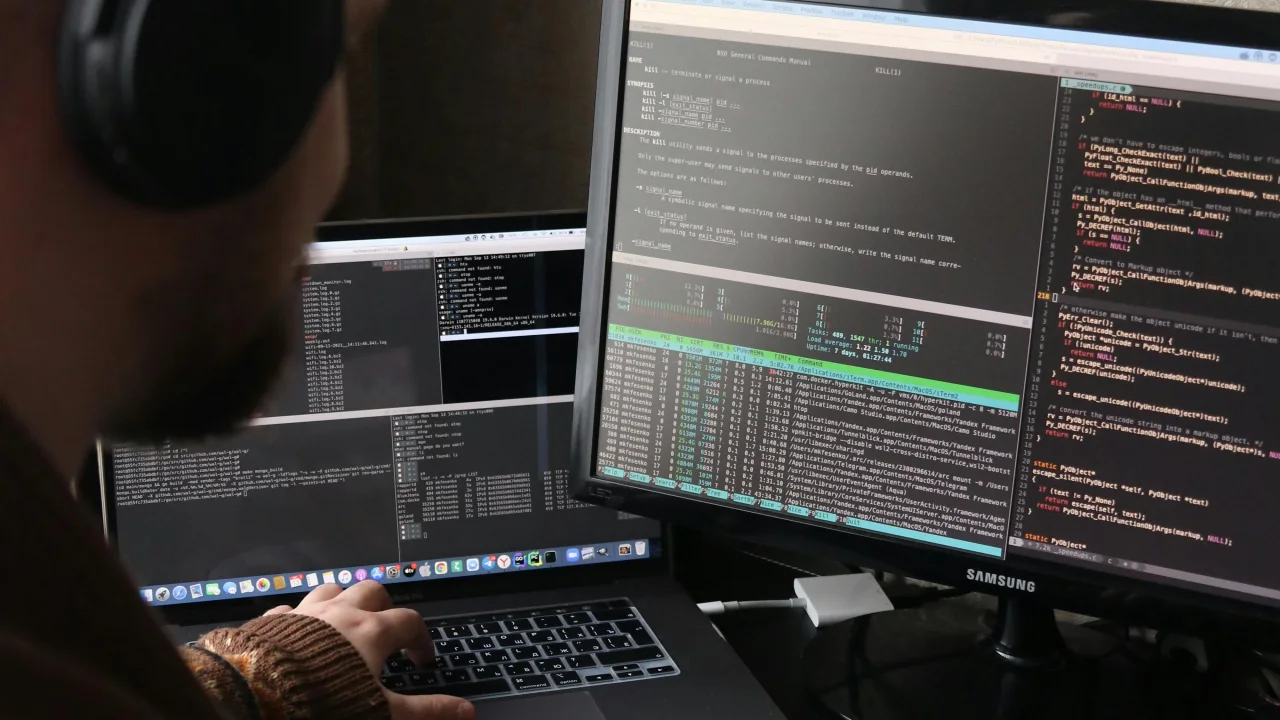
بايثون هي أفضل لغة للمبتدئين. إنها تبدو مثل اللغة الإنجليزية، وتتعامل مع التعقيد نيابةً عنك، ويتم استخدامها في كل مكان - بدءًا من تطوير الويب وحتى الذكاء الاصطناعي وعلوم البيانات.
2 دقيقة قراءةاللغة: AR العربيةمجاني0 تصفيقات0 تعليقات
خيارات القراءة
لماذا بايثون؟
بايثون هي أفضل لغة للمبتدئين. إنها تبدو مثل اللغة الإنجليزية، وتتعامل مع التعقيد نيابةً عنك، ويتم استخدامها في كل مكان - بدءًا من تطوير الويب وحتى الذكاء الاصطناعي وعلوم البيانات.
الدرس الأول: برنامجك الأول
تثبيت بايثون
- انتقل إلى python.org
- تحميل الإصدار 3.12+
- قم بتشغيل برنامج التثبيت (حدد "إضافة Python إلى PATH" على نظام التشغيل Windows)
مرحباً أيها العالم!
قم بإنشاء ملف يسمى hello.py:
print("Hello, World!")
تشغيله:
python hello.py
لقد كتبت للتو برنامجك الأول. طباعة() تعرض النص على الشاشة.
الدرس الثاني: المتغيرات وأنواع البيانات
المتغيرات تخزن البيانات:
# String (text)
name = "Alice"
greeting = 'Hello, World!'

# Integer (whole number)
age = 25
year = 2026

# Float (decimal number)
price = 19.99
pi = 3.14159

# Boolean (True or False)
is_student = True
has_graduated = False

# Print them
print(name)        # Alice
print(age + 5)     # 30
print(type(age))   # <class 'int'>
قواعد التسمية
- استخدم الحروف والأرقام والشرطات السفلية
- لا يمكن البدء برقم
- حساس لحالة الأحرف ("الاسم" ≠ "الاسم")
- استخدم
snake_caseلأسماء المتغيرات
الدرس 3: العمل مع النص
# Combining strings
first = "John"
last = "Doe"
full = first + " " + last
print(full)  # John Doe

# f-strings (best way)
age = 30
print(f"My name is {full} and I am {age} years old.")
# My name is John Doe and I am 30 years old.

# String methods
text = "  Hello, Python!  "
print(text.lower())          # "  hello, python!  "
print(text.upper())          # "  HELLO, PYTHON!  "
print(text.strip())          # "Hello, Python!"
print(text.replace("o", "0"))  # "  Hell0, Pyth0n!  "
print(len(text))             # 18 (includes spaces)
الدرس الرابع: الأعداد والرياضيات
# Basic operations
print(5 + 3)    # 8
print(10 - 4)   # 6
print(3 * 4)    # 12
print(10 / 3)   # 3.333... (always gives float)
print(10 // 3)  # 3 (integer division, no decimal)
print(10 % 3)   # 1 (remainder / modulo)
print(2 ** 3)   # 8 (exponent: 2³)

# Useful math functions
print(round(3.14159, 2))  # 3.14
print(abs(-5))            # 5
print(max(3, 7, 2))       # 7
print(min(3, 7, 2))       # 2
print(sum([1, 2, 3, 4]))  # 10
الدرس الخامس: القوائم (مجموعات العناصر)
# Creating lists
fruits = ["apple", "banana", "cherry"]
numbers = [1, 2, 3, 4, 5]
mixed = ["hello", 42, True, 3.14]

# Accessing items (index starts at 0)
print(fruits[0])     # "apple"
print(fruits[-1])    # "cherry" (last item)
print(fruits[1:3])   # ["banana", "cherry"] (slicing)

# Modifying lists
fruits.append("orange")  # Add to end
fruits.insert(1, "grape")  # Insert at position
fruits.remove("banana")  # Remove by value
last = fruits.pop()      # Remove and return last item
print(len(fruits))       # How many items

# Looping through a list
for fruit in fruits:
    print(fruit)
الدرس 6: إذا كانت العبارات (اتخاذ القرارات)
age = 18

if age >= 18:
    print("You can vote!")
elif age >= 16:
    print("You can drive!")
else:
    print("Too young.")

# Comparison operators
# ==  (equal to)
# !=  (not equal to)
# >   (greater than)
# <   (less than)
# >=  (greater than or equal)
# <=  (less than or equal)

# Logical operators
temperature = 75
is_raining = False

if temperature > 70 and not is_raining:
    print("Perfect day for a walk!")
elif temperature > 70 and is_raining:
    print("Warm but wet. Bring an umbrella.")
الدرس السابع: الحلقات (فعل الأشياء بشكل متكرر)
للحلقة
# Loop through a range of numbers
for i in range(5):          # 0, 1, 2, 3, 4
    print(i)

for i in range(1, 6):      # 1, 2, 3, 4, 5
    print(i)

# Loop through a list
colors = ["red", "green", "blue"]
for color in colors:
    print(f"The color is {color}")
أثناء الحلقة
count = 0
while count < 5:
    print(f"Count is {count}")
    count += 1  # Increment (same as: count = count + 1)

# Be careful! This loop never ends:
# while True:
#     print("Infinite loop!")
الدرس 8: الوظائف (الكود القابل لإعادة الاستخدام)
# Define a function
def greet(name):
    return f"Hello, {name}!"

# Call the function
message = greet("Alice")
print(message)  # Hello, Alice!

# Function with multiple parameters
def calculate_total(price, tax_rate):
    tax = price * tax_rate
    total = price + tax
    return round(total, 2)

print(calculate_total(29.99, 0.08))  # 32.39

# Function with default parameter
def greet_with_title(name, title="Mr."):
    return f"Hello, {title} {name}"

print(greet_with_title("Smith"))        # Hello, Mr. Smith
print(greet_with_title("Jones", "Dr."))  # Hello, Dr. Jones
الدرس التاسع: القواميس (أزواج القيمة الرئيسية)
# Creating a dictionary
person = {
    "name": "Alice",
    "age": 30,
    "city": "New York",
    "is_student": False
}

# Accessing values
print(person["name"])      # Alice
print(person.get("age"))   # 30 (safer — returns None if missing)

# Modifying
person["age"] = 31
person["job"] = "Engineer"  # Adds new key-value

# Looping through dictionary
for key, value in person.items():
    print(f"{key}: {value}")

# Check if key exists
if "name" in person:
    print("Name exists!")
الدرس العاشر: مشروعك الصغير الأول
دعونا نبني قائمة المهام:
# todo.py — A simple to-do list
tasks = []

def show_menu():
    print("\n=== To-Do List ===")
    print("1. View tasks")
    print("2. Add task")
    print("3. Remove task")
    print("4. Quit")

def view_tasks():
    if not tasks:
        print("No tasks yet!")
    else:
        for i, task in enumerate(tasks, 1):
            print(f"{i}. {task}")

def add_task():
    task = input("Enter task: ")
    tasks.append(task)
    print(f"Added: {task}")

def remove_task():
    view_tasks()
    if tasks:
        try:
            num = int(input("Task number to remove: "))
            if 1 <= num <= len(tasks):
                removed = tasks.pop(num - 1)
                print(f"Removed: {removed}")
            else:
                print("Invalid number!")
        except ValueError:
            print("Please enter a number!")

# Main loop
while True:
    show_menu()
    choice = input("Choose an option: ")

    if choice == "1":
        view_tasks()
    elif choice == "2":
        add_task()
    elif choice == "3":
        remove_task()
    elif choice == "4":
        print("Goodbye!")
        break
    else:
        print("Invalid choice!")
قم بتشغيله: python todo.py
ماذا تتعلم بعد ذلك
| الموضوع | لماذا تعلم |
|---|---|
| الفصول و OOP | هيكلة برامج أكبر |
| إدخال/إخراج الملف | قراءة/كتابة الملفات |
| المكتبات | استخدم "استيراد" لإضافة ميزات قوية |
| ** معالجة الأخطاء ** | كتل "محاولة/باستثناء". |
| واجهات برمجة التطبيقات | اتصل بخدمات الويب من خلال "الطلبات". |
| أطر الويب | Flask أو Django لتطبيقات الويب |
| علم البيانات | Pandas، NumPy لتحليل البيانات |
موارد مجانية للمتابعة
- docs.python.org — الوثائق الرسمية
- أتمتة الأشياء المملة باستخدام لغة بايثون (كتاب) — مجانًا على الإنترنت
- دورة Codecademy Python — طبقة تفاعلية مجانية
- ** مسار تمرين بايثون ** - تحديات الممارسة
مقالات مختارة

10 دمجاني
50 مهارة من Claude تستحق البناء في 2026
التقنيةAIAi GuidesAI Agents

9 دمجاني
ابن مساعد ملاحظات خاص بالذكاء الاصطناعي
حوّل مجلد ملاحظات Markdown إلى مساعد بحث دون كشف المسودات الخاصة.
التقنيةأدلة المنصةالكتابة بالذكاء الاصطناعيAIAutomationData

8 دمجاني
أتمتة استخراج بيانات الفواتير باستخدام OCR
ابن خط معالجة يقرأ الفواتير ويستخرج الحقول ويعلّم القيم غير المؤكدة للمراجعة.
التقنيةمقالات هندسيةالكتابة بالذكاء الاصطناعيAIAutomationData
التعليقات
0 تعليقاتلا توجد تعليقات معتمدة بعد. قد تنتظر الردود الجديدة المراجعة.